5 | P a g e
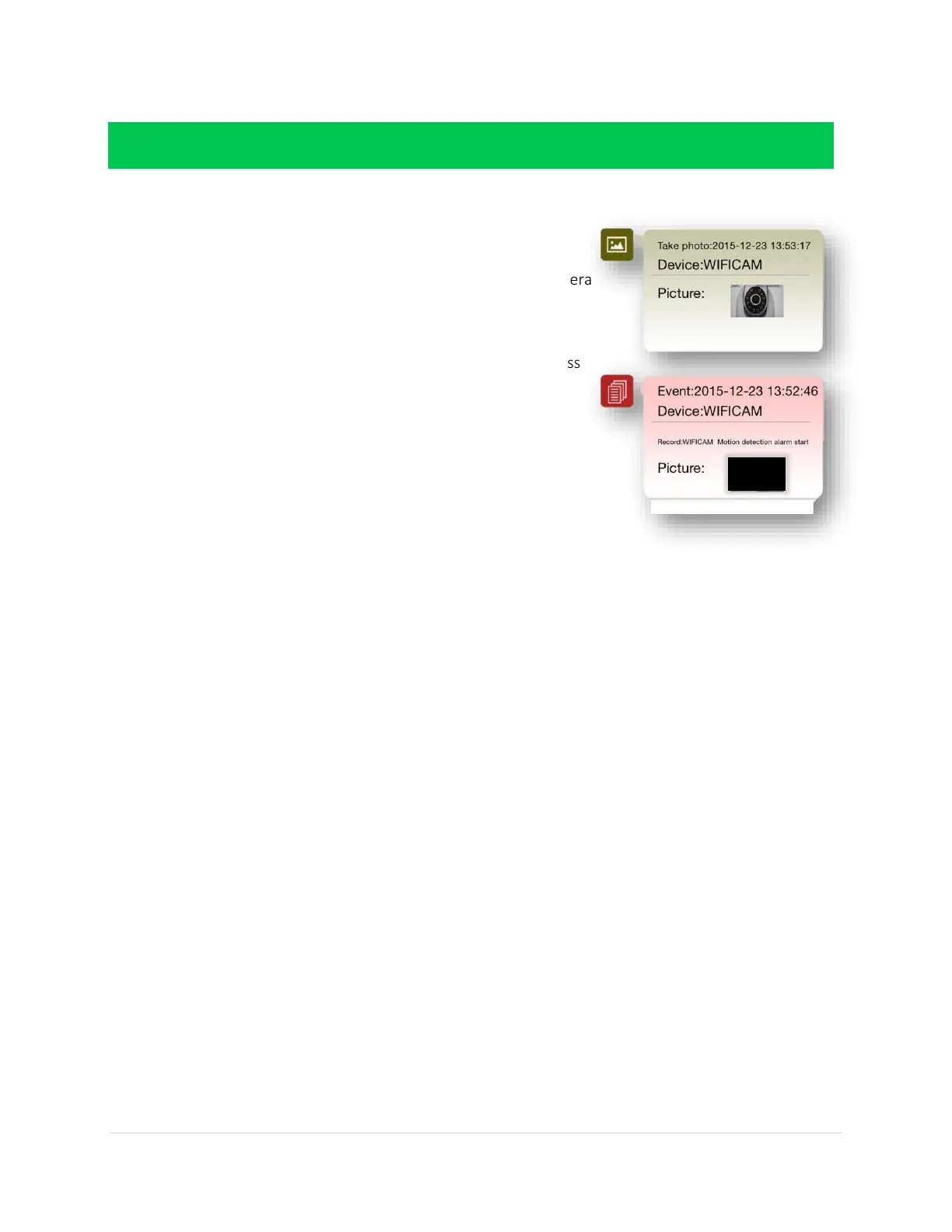
MY MESSAGES: HOW TO USE THIS PAGE
Click on a connected camera
o A list of every photo or video taken from your camera
will appear
NOTE: Each camera will have separate
messages
NOTE: You will not see any messages unless
you have already taken photos or videos
before going to this page
SCENE MODE: HOW TO USE THIS PAGE
NOT AVAILABLE AT THIS TIME



 To Next Page