10
Go to Table of Contents
PS3 System Settings Configuration
PS3 Audio Output Setup
PS3 Chat Setup
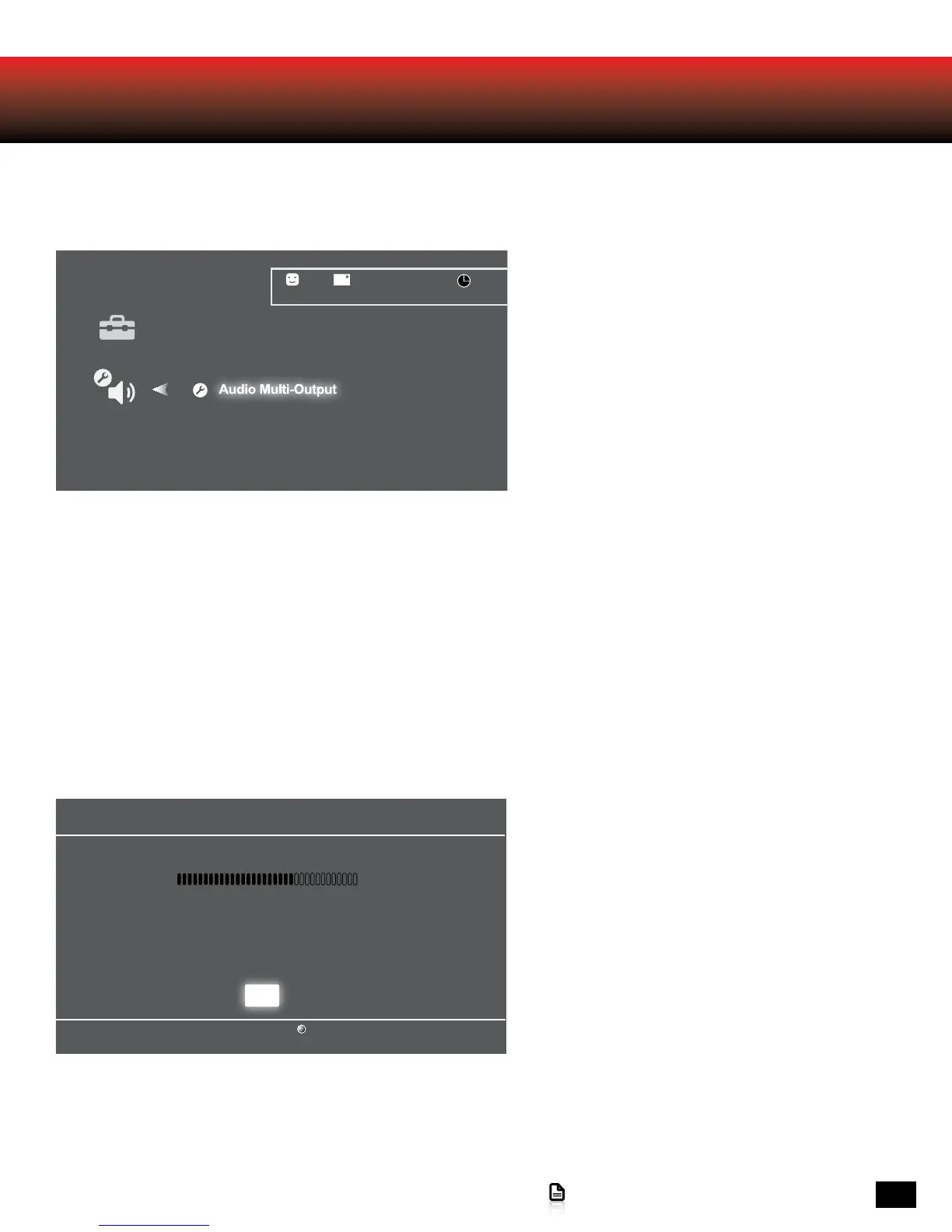
In the PS3 menu, select Settings > Sound Settings
> Audio Multi-output.
1. In the PS3 menu, select Settings > Accessory
Settings > Audio Device Settings > Input Device
> Turtle Beach MARVEL SEVEN.
2. In the PS3 menu, select Settings > Accessory
Settings > Audio Device Settings > Output
Device > Turtle Beach MARVEL SEVEN.
Audio Device Settings
Microphone Level 3
Input Device TURTLE BEACH MARVEL SEVEN
Output Device TURTLE BEACH MARVEL SEVEN
Back
X Enter
OK
Audio Output Settings
12/14 12:15 PM
0
On
Sets to output audio through multiple connectors
simultaneously. Audio output to connectors that are
not selected in [Audio Output Settings] is downscaled
to 2 Ch.
Audio Device Settings
Microphone Level 3
Input Device TURTLE BEACH MARVEL SEVEN
Output Device TURTLE BEACH MARVEL SEVEN
Back
X Enter
OK
Audio Output Settings
12/14 12:15 PM
0
On
Sets to output audio through multiple connectors
simultaneously. Audio output to connectors that are
not selected in [Audio Output Settings] is downscaled
to 2 Ch.














 To Next Page