9
Mac Setup
PLEASE NOTE: Depending on your OS Version, the screens may differ but the steps will remain the same.
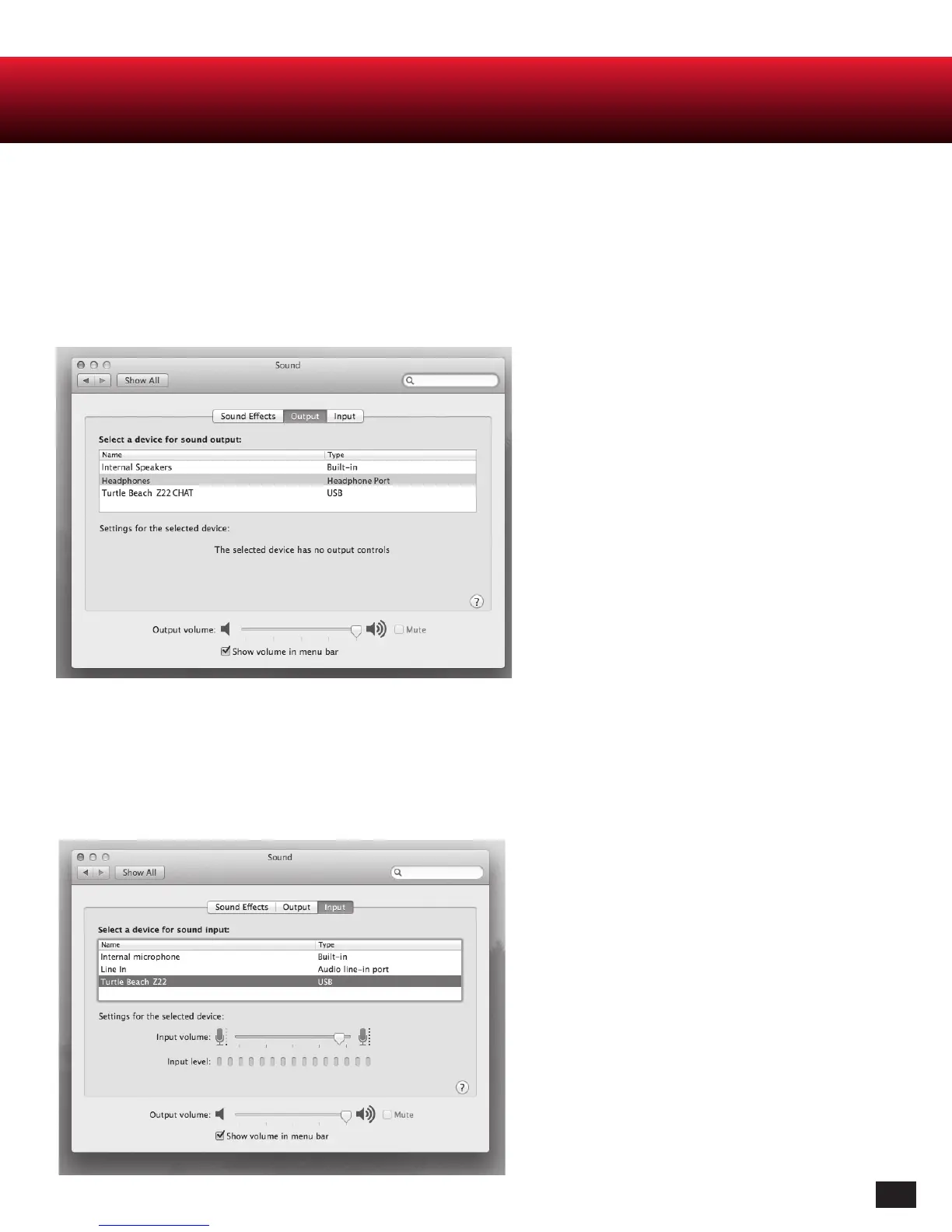
1. Click on the Apple Menu and select System Preferences » Sounds.
2. On Output tab, select “Headphones”.
3. On Input tab, select “TURTLE BEACH Z22 CHAT”.
NOTE: In order to maintain independent volume
controls for chat and game, please make sure to set
“TURTLE BEACH Z22” as both the recording and
playback device in the audio setting for your voice
chat application.














 To Next Page