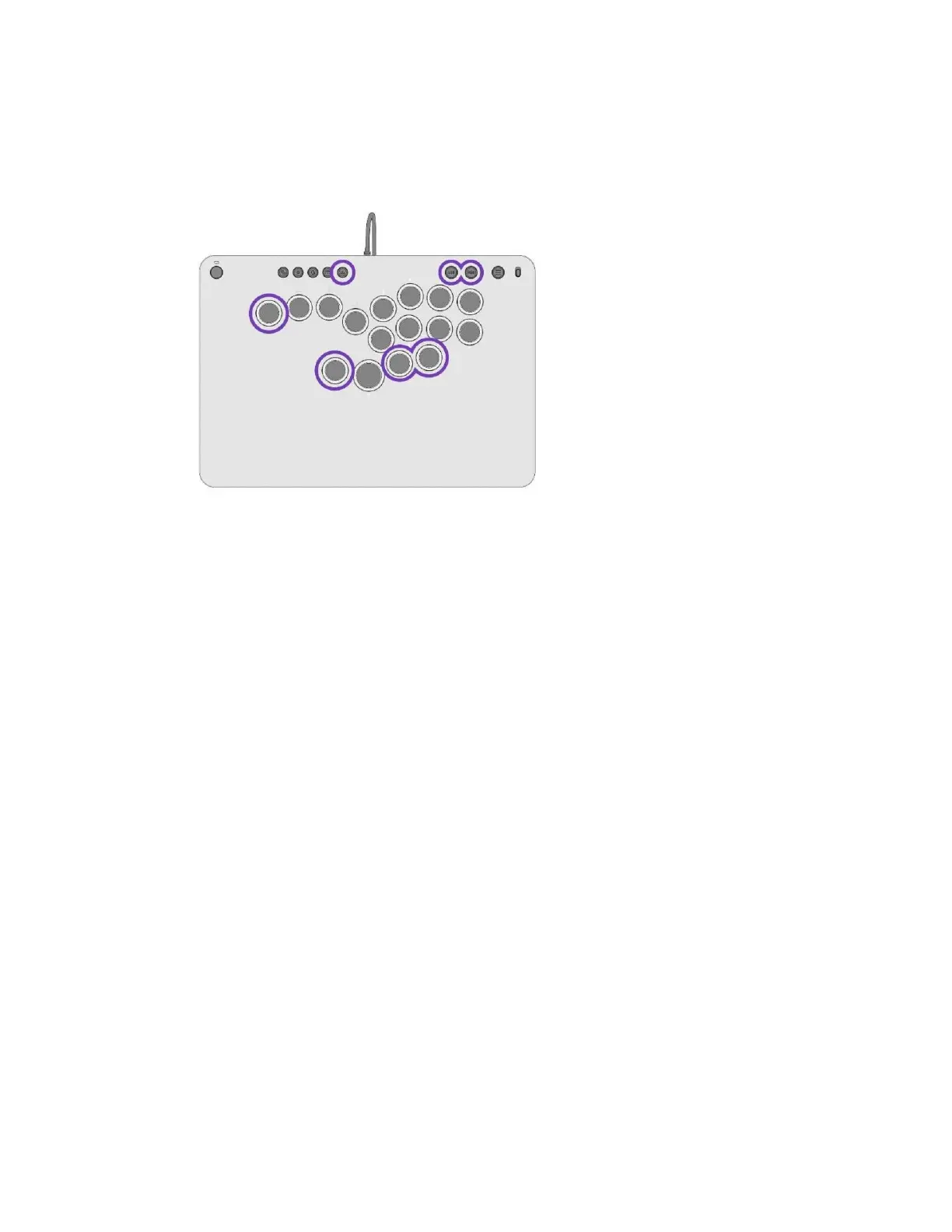
i. The LEDs will blink quickly a few mes indicang successful mapping
NOTE: Only the 4 addional buons and the LSB / RSB Buons can be remapped
DISABLING ADDITIONAL BUTTONS
A. Hold the Funcon Buons and double tap the buon you wish to disable
i. The LEDs will quickly blink a few mes indicang it has been disabled
ii. Only the 4 addional buons can be disabled
iii. Performing this process on the LSB / RSB Buons will reset to default (LSB / RSB)
SOCD CLEANING
A. Press and hold the Funcon Buon, then press and release the SHARE Buon to toggle
between 2 SOCD Modes.



 To Next Page