DIRECTION BUTTON MODE
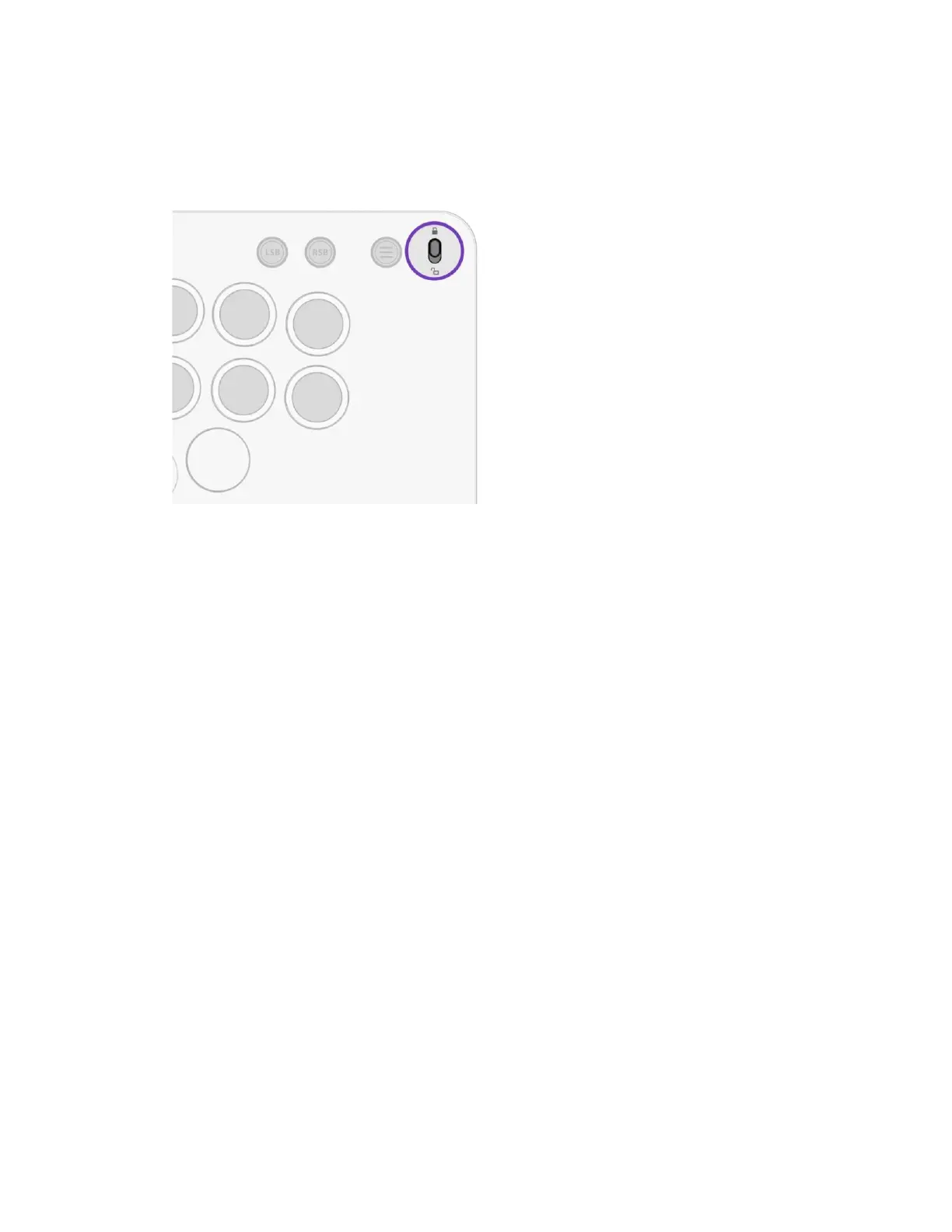
A. The Direcon Buons are set to D-Pad input by default
B. To change the Direcon Buons to act as Le Analog Sck, hold the Funcon Buon and
press the LEFT Direcon.
i. The 4 Direcon Buons will ash green to indicate Le Analog Sck Mode
C. To change the Direcon Buons to act as Right Analog Sck, hold the Funcon Buon
and press the RIGHT Direcon.
i. The 4 Direcon Buons will ash red to indicate Right Analog Sck Mode
D. To change the Direcon Buons back to the default D-Pad input, hold the Funcon
Buon and press the UP or DOWN Direcon.
i. The 4 Direcon Buons will ash blue to indicate default D-Pad Mode



 To Next Page