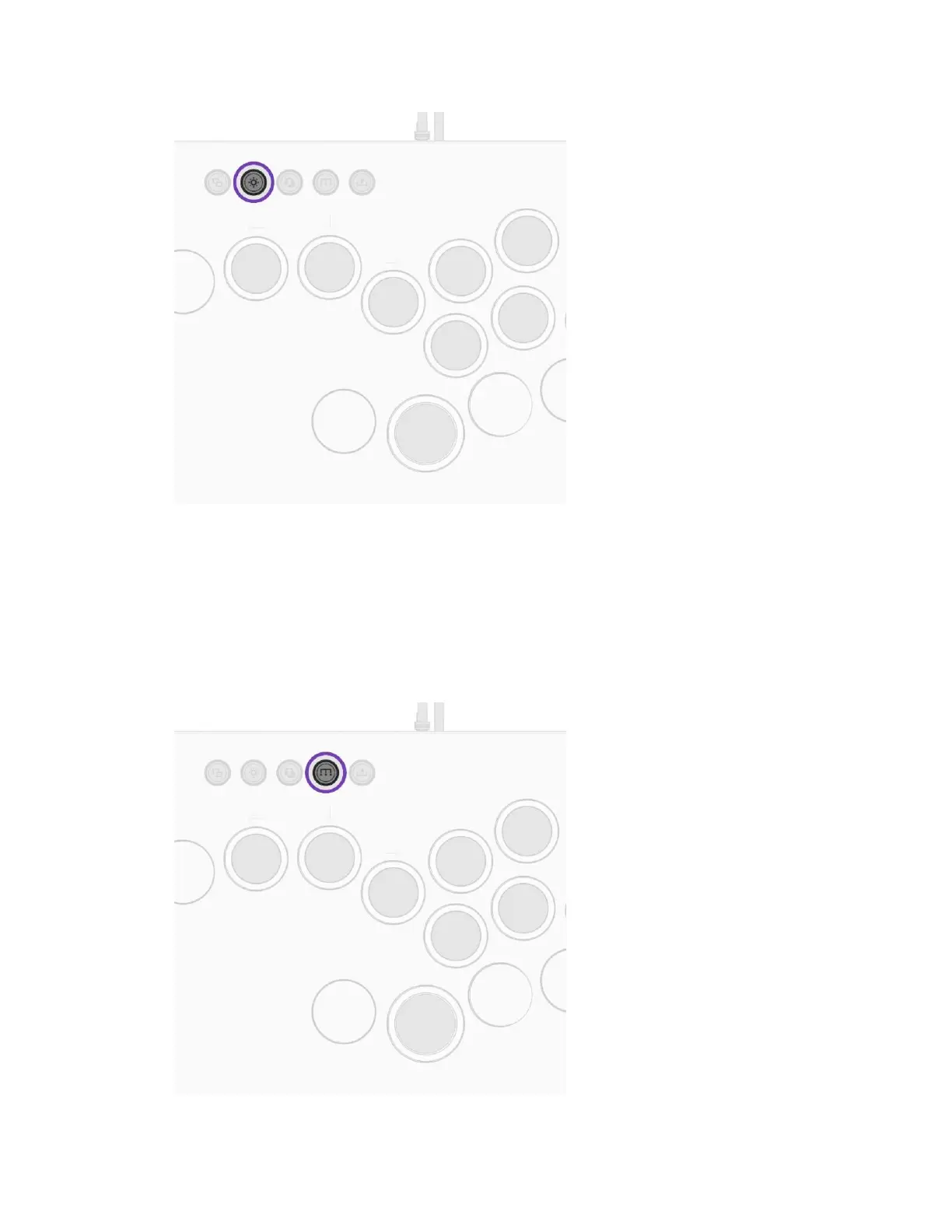
B. Hold the Lightning Buon and hold the LEFT or RIGHT Direcon Buons to select the LED
color (only when in Stac or Breathing Modes).
MAPPING ADDITIONAL BUTTONS
A. Hold the Funcon Buon and press the desired buon to be mapped
i. The LED on the buon being mapped will start blinking white
B. Press the buon you want the new buon to be mapped to



 To Next Page