C. Place the Switch Puller around the aluminum Buon Plug you wish to remove, and rmly
pull up.
D. Locate the addional Switch from the storage area and take note of the pin placement
on the boom of the Switch to carefully align the pins when inserng into the Pro KO.
E. Locate the Buon Cap from the storage area, align and press it onto the Switch.
F. Locate the Light Ring from the storage area, place it over the Buon Cap, align the feet
and rmly press into place.
AUDIO CONTROLS
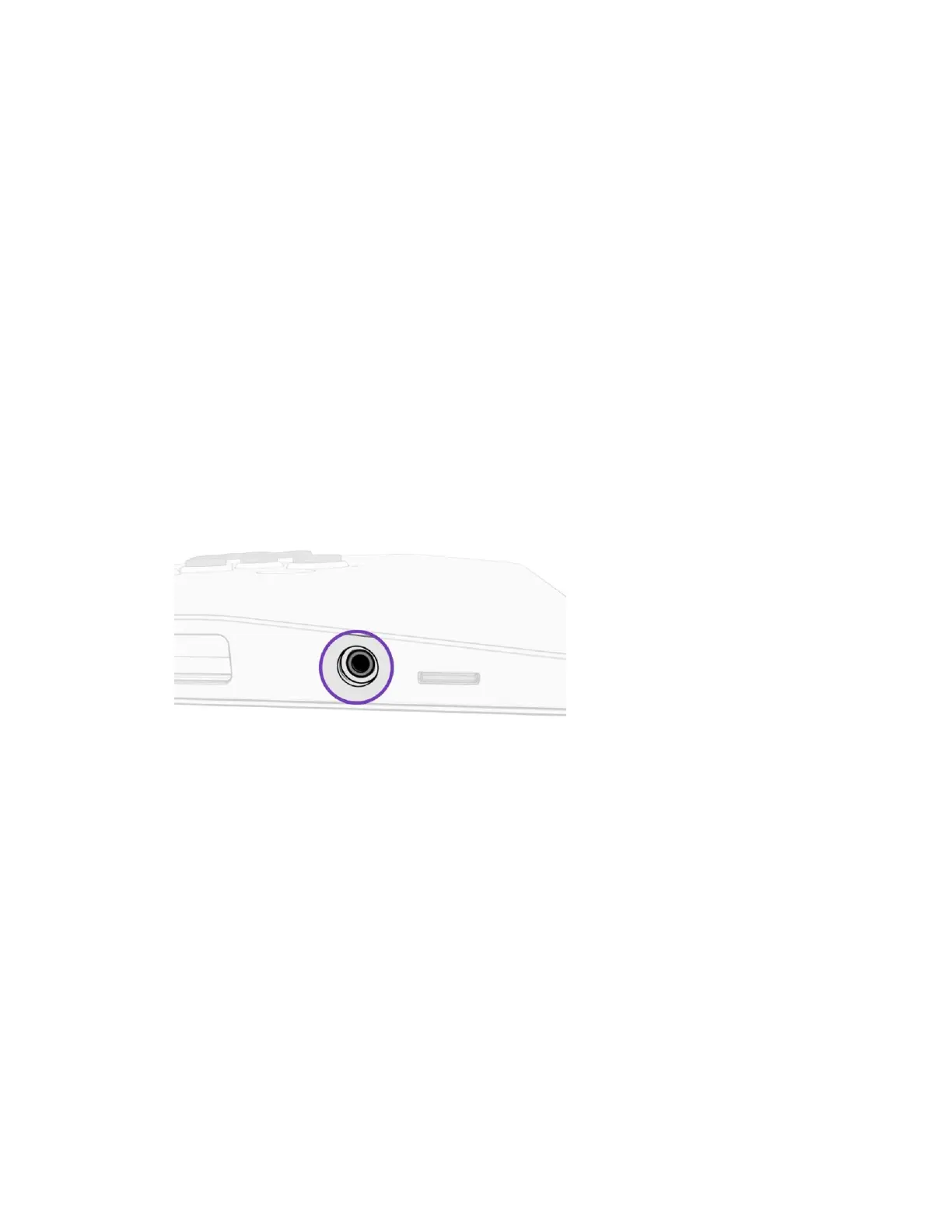
A. Plug a headset into the 3.5mm Headset Jack on the le side of the Pro KO
B. Hold the Audio Buon and push the UP or DOWN Direcon Buons to adjust the volume
Up or Down.



 To Next Page