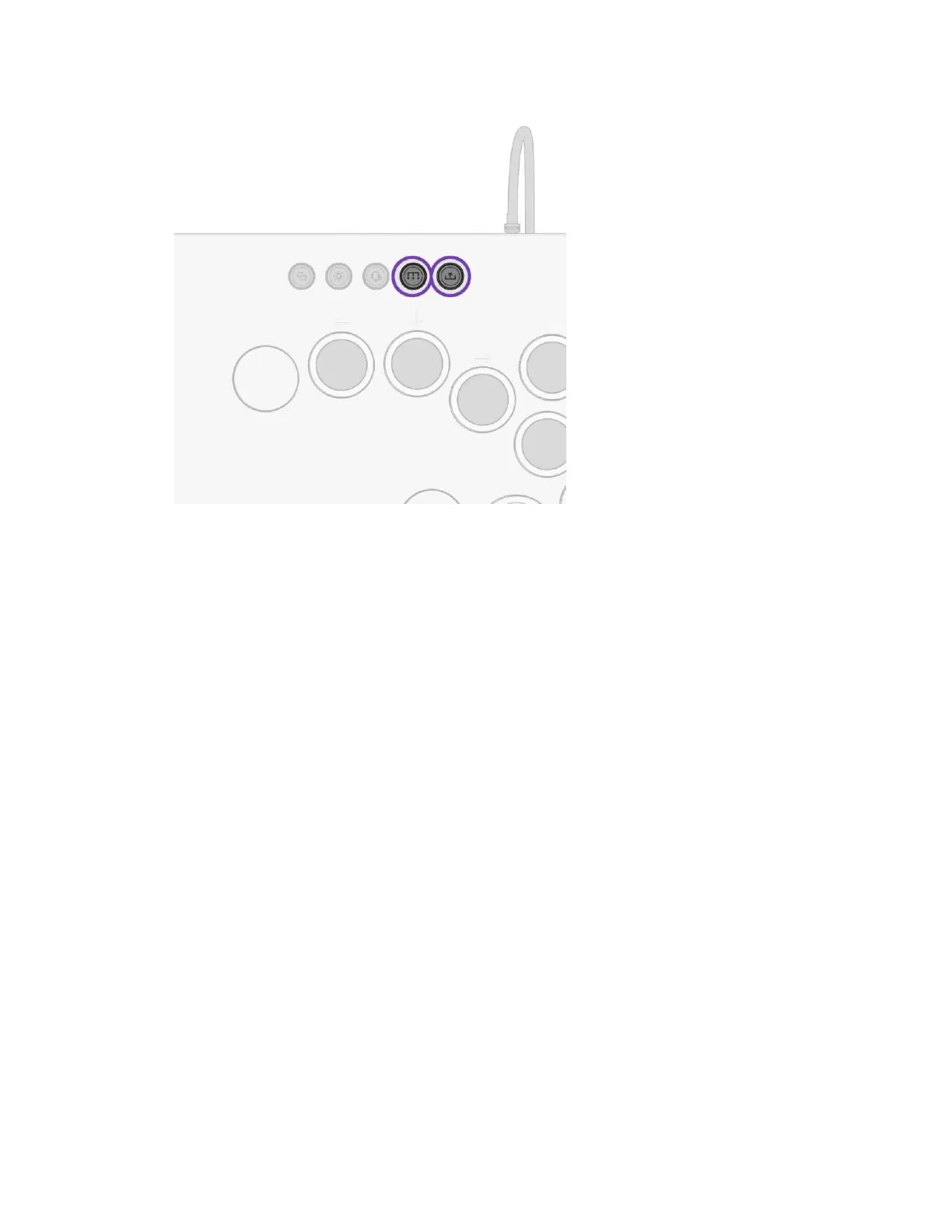
B. The UP and DOWN Direcon Buon LEDs will quickly blink to indicate the selected mode
i. BLUE LED: Neutral SOCD (UP + DOWN = Neutral, LEFT + RIGHT = Neutral)
a. This is the default mode
ii. RED LED: Up Priority SOCD (UP + DOWN = UP, LEFT + RIGHT = Neutral)
TOURNAMENT LOCK MODE
A. The Tournament Lock Switch disables all buons on the upper menu bar (XBOX Buon,
VIEW, LIGHTING, AUDIO, FUNCTION, SHARE, LSB, RSB, MENU Buons) to prevent
accidental presses and disqualica5on during tournaments.
B. Slide the Tournament Lock Switch UP to the lock posion to disable the menu bar
buons or slide the switch DOWN to the unlocked posion for normal operaon.



 To Next Page