2.1 Overseas users
2.2 Networking:
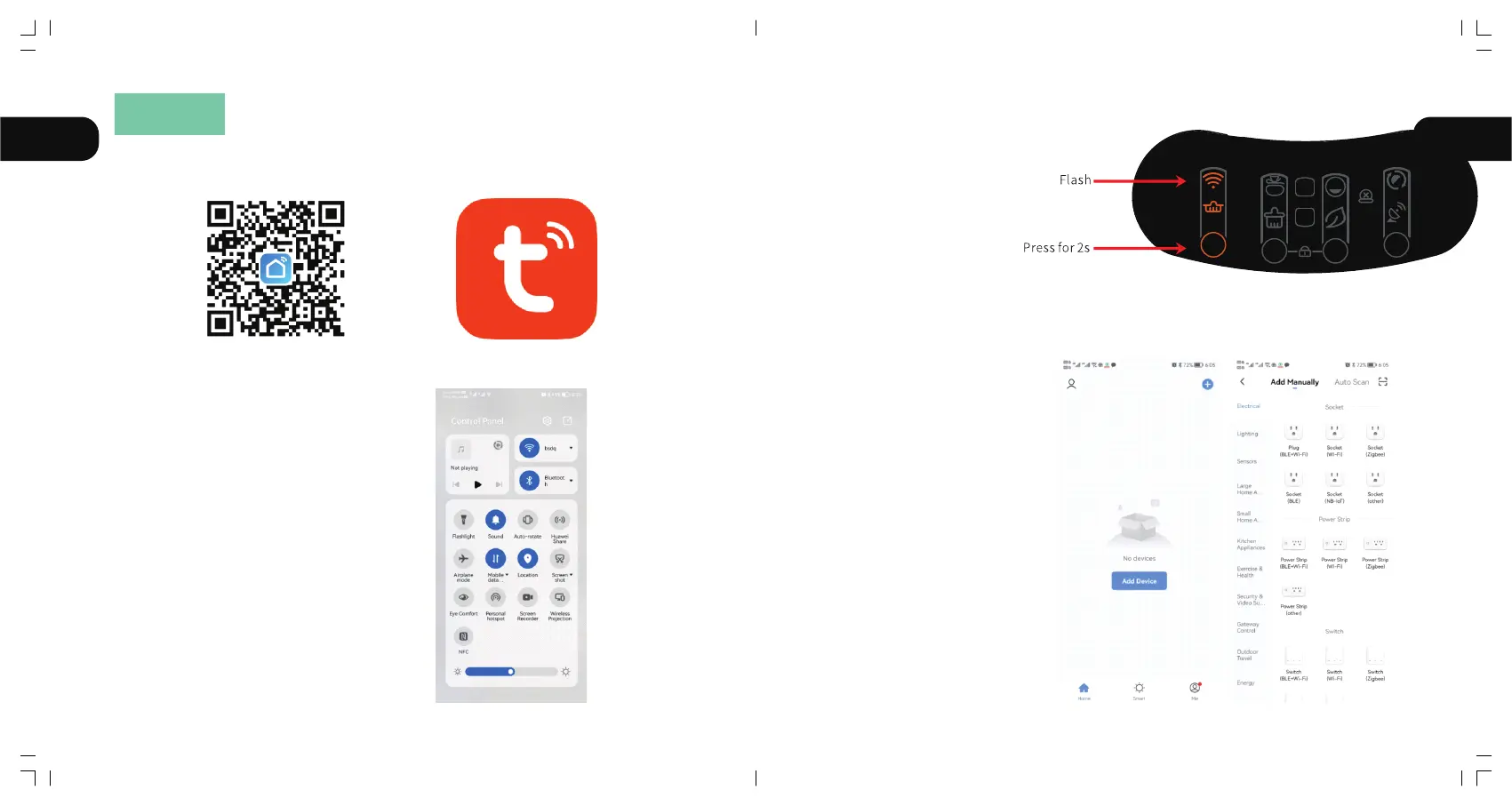
2.2.1 Confirm that the phone is
connected to 2.4G WiFi, then turn on
Bluetooth and Location.
2.2.3 Open your phone App
to add equipment or scan
automatically.
Method 1: You can scan the above
icon with your mobile phone
Method 2:You can download "tuya" App
and install it by search it in the App store.
2.2.2 Long press the button
"➀" on the product panel for
2 seconds, the WIFI symbol
will start flashing, which
means the machine has
entered the distribution
network waiting
AUTO
FULL
1 4
32
EN EN
ⅡAPP
07 08



 To Next Page