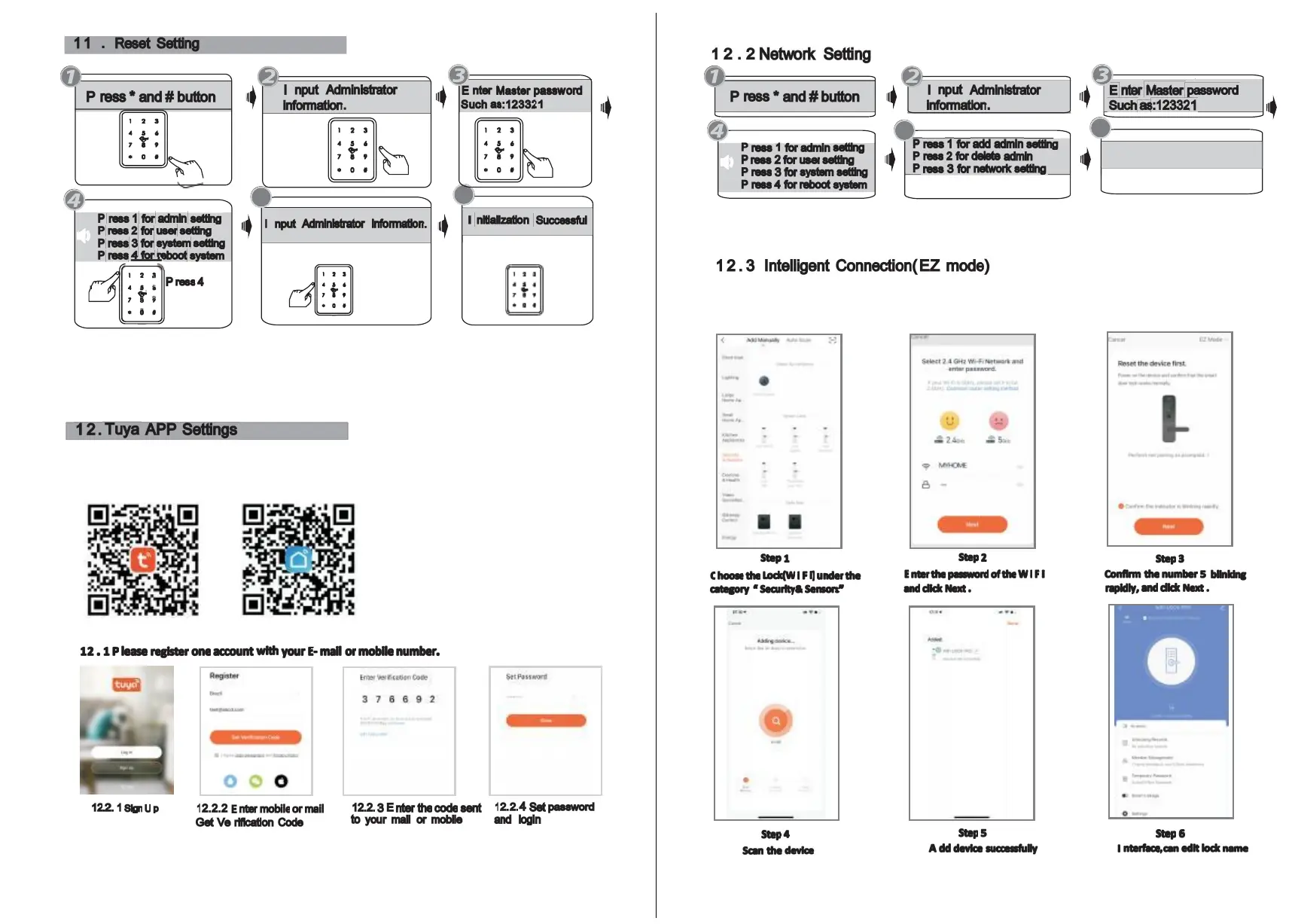
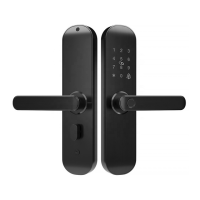
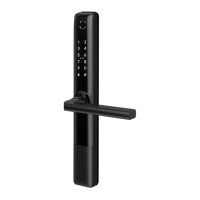
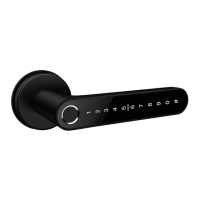
Notice: Above are the standard operation for the lock with password and
keycard function. if you need to use the remote unlock function, you shall
use the Tuya smart app to connect the device and make the settings
accordingly.
Please download the Tuyasmart or Smart life on A pple store or Google play.
also you can scan the QR code below to download the APP directly.
11
Please run the Tuya smart APP and choose the W i F i lock under the “Security&Sensors” .
please ensure the privacy button is under unlock state, if it is under lock state, you can not
configu re the W i - F i connection.
12
Notice
:
There are two type of connections under the manual: Hotspot connection
and intelligent connection and B luetooth connection( dual module) .



 To Next Page