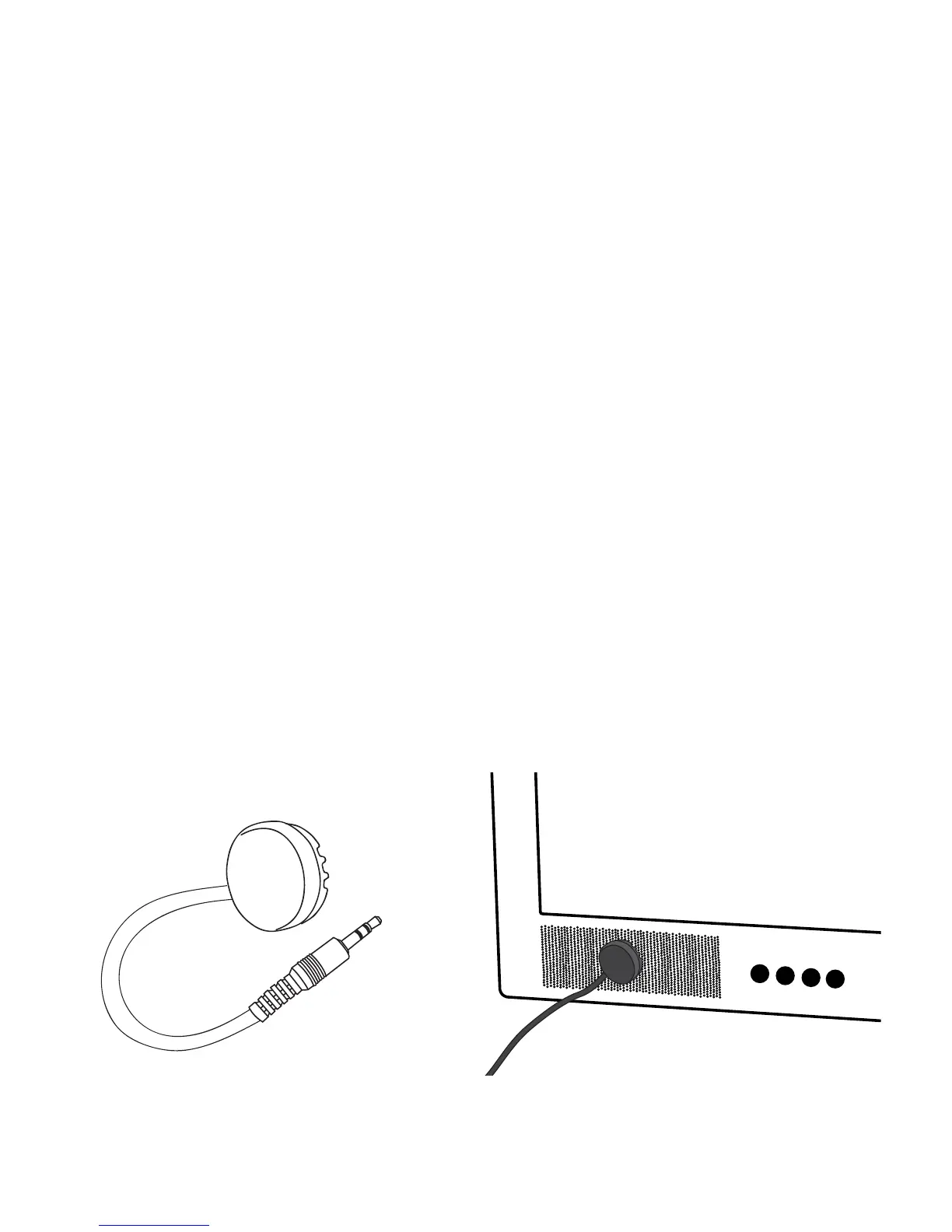
Alternative Installation
Power Microphone
The TV volume must be on for the power microphone to work. The
TV volume cannot be muted when using the power microphone.
1. Plug the power microphone into the female end of the
extender cord.
2. Plug the male end of the extender cord into the port labeled
Analog Audio In on the back of the TV Ears transmitter.
3. Remove the protective cover from the Velcro on the power
microphone and stick the microphone to the front of the
television speaker.
Option 2: AIK
Use the AIK (Alternative Installation Kit) if audio out ports are not
available or present.
11


 To Next Page