Using the System
Using the Headset
Put on the Headset:
Using both hands, gently separate the bow arms at the top by the ear tips
and place earpieces into each ear.
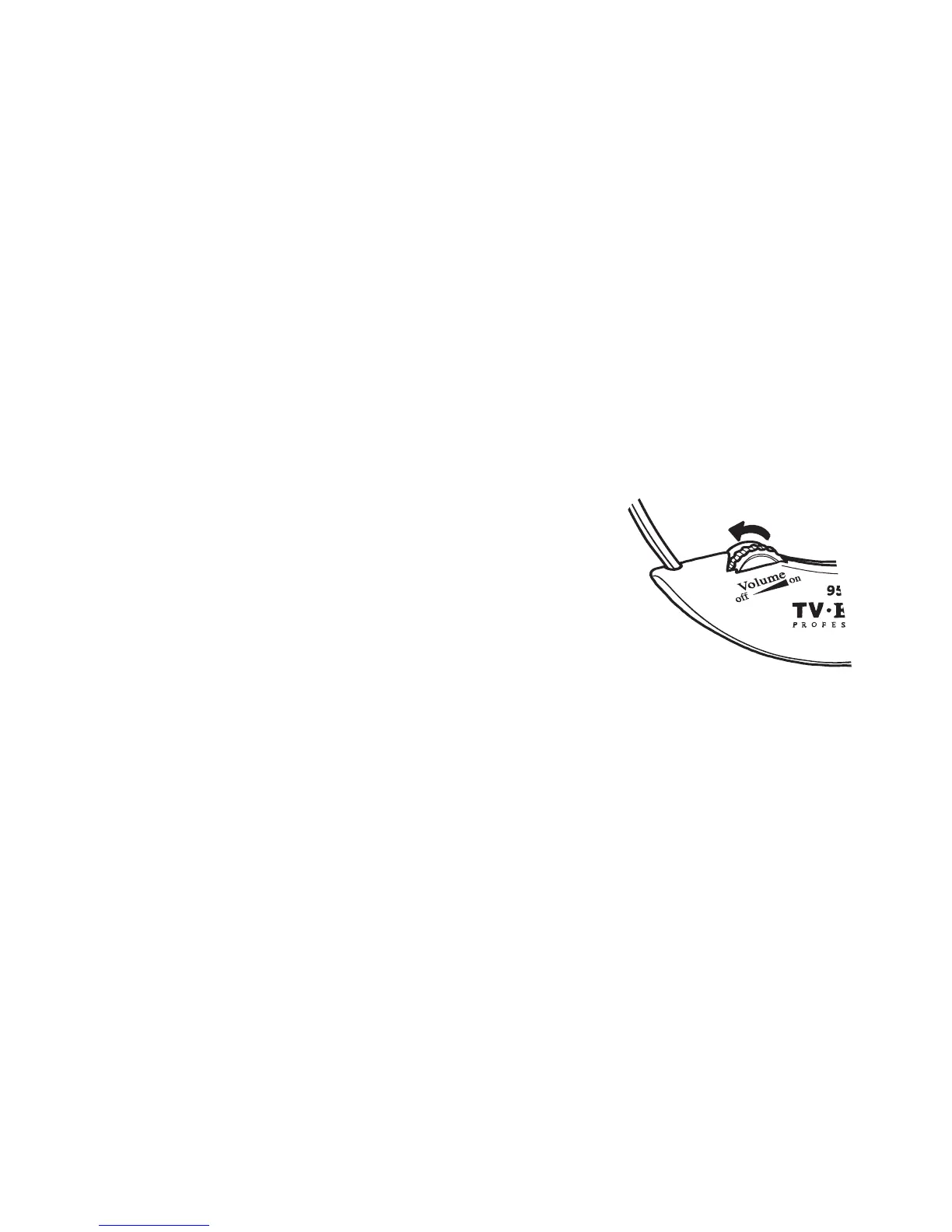
ON/OFF and Volume
To turn the headset ON, rotate the volume dial and set the volume to your
comfort level.
To turn the headset OFF, rotate the volume dial reducing the volume until
you feel or hear a click.
Tone
The tone dial controls bass and treble. To adjust, rotate the tone dial to
your hearing preference.
Balance
The balance control is located on the back of the headset and comes set
equal to both ears. To change the balance of volume to the right or left
ear, insert the balance control tool and turn the tool towards the ear you
want to increase the volume to.
Removing the Headset
Turn o the headset. Using both hands, gently separate the bow arms at
the ear tips, removing the earpieces from your ears. Remove the headset
by lowering it under your chin. Place the headset in the charging cradle.
13



 To Next Page