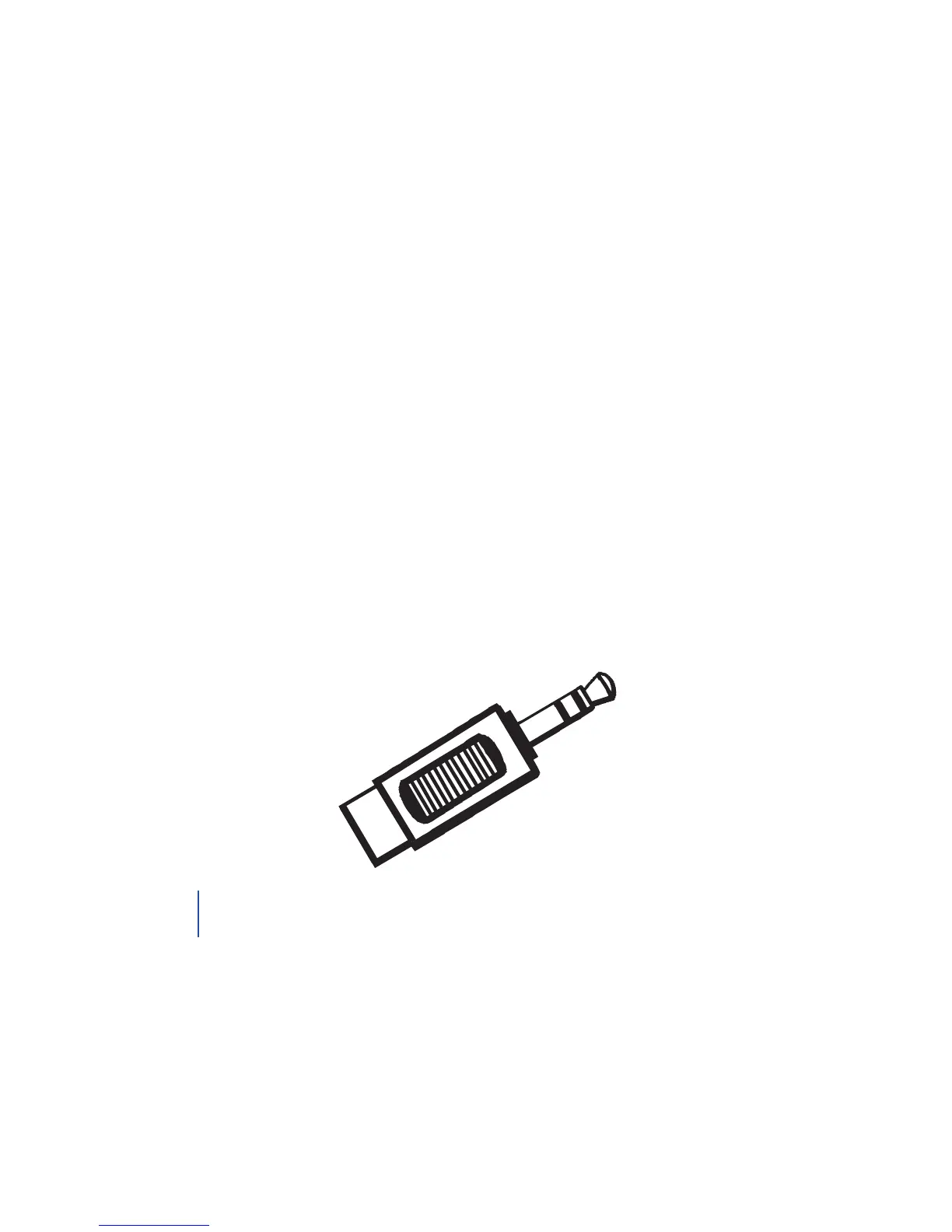
Alternative Installation
Headphone Jack Adapter
This method of installation often cuts o the volume to the TV
speakers, but may also be used for single audio out port installations
which would not cut o the volume to the TV speakers.
1. Plug the single end of the audio cord into the port labeled
Analog Audio In on the back of the transmitter.
2. Plug either the red or black plug of the dual end of the audio
cord into the female end of the headphone jack adapter.
3. Plug the headphone jack adapter into the headphone jack or
audio out port of your TV.
Option 2: AIK
12
If your TV has a simple audio out port, you may use this form of
installation. This would not mute the sound of the TV.
TIP


 To Next Page