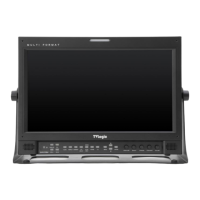
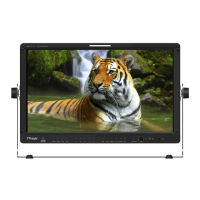
FHD High Bright Field Monitor 18
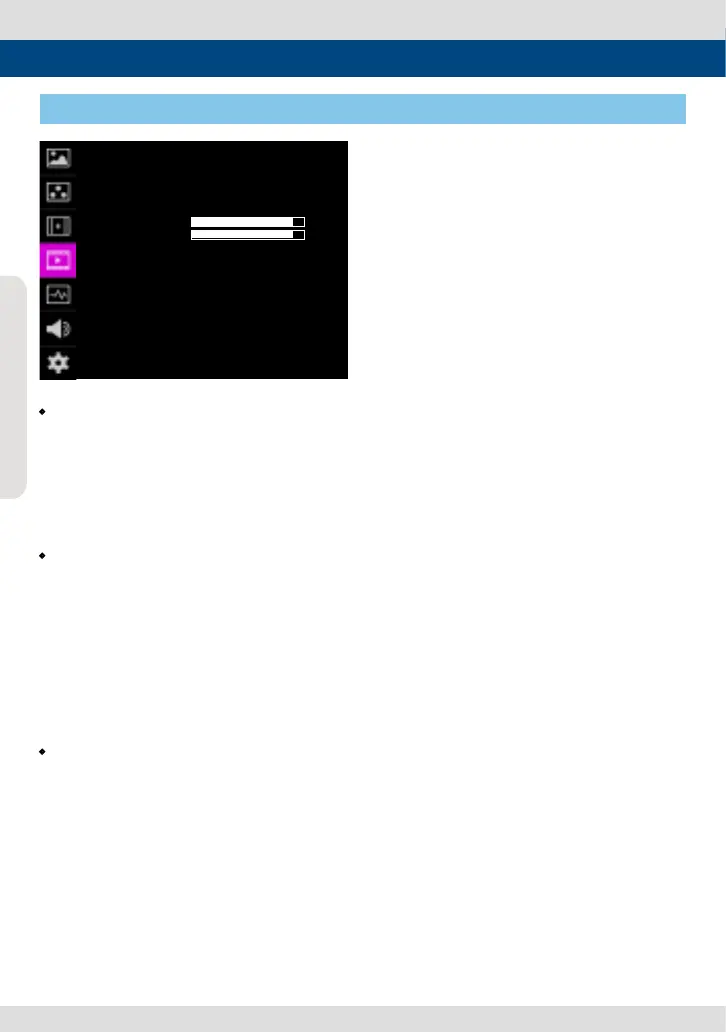
• H/V FLIP
- Allows the displayed image to be ipped
horizontally or vertically.
- This feature provides exible mounting
options for camera operators.
- Activates in the order : [H Flip]-[V Flip]-[H/V
Flip]
• ZOOM
- Used to magnify the image up to 90% on a
pixel basis and display on full screen.
* (e.g.,10% Zoom : If the input signal’s
resolution is 1920 x 1080, only 90% (1728(H)
x 976(V)) of the image would be shown on
full screen without the remaining 10%
(192(H) x 108(V)) of the image.)
* See section “7. Other Functions -> [4]
Zoom” for more information.
• Zoom Split
- Used to magnify the image.
- Used to zoom the specied area sequentially.
- Designable areas are Left-Top, Right-Top,
Left-Bottom, Right-Bottom and Center.
[4] VIDEO
5. Menu Operations
VIDEO이 F-7H
SCAN
ASPECT
H/V DEL AY
BLUE ONLY
USER ASPECT HOR
USER ASPECT VER
3G FORMAT
H/V FLIP
ZOOM
ZOOM SPLIT
ZERO SCAN
16:9
OFF
OFF
NORMAL
OFF
OFF
OFF
+ 0
+ 0
PAGE (1/2)


 To Next Page