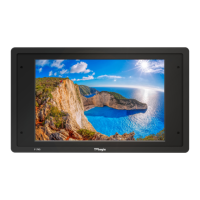
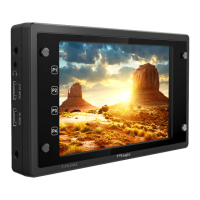
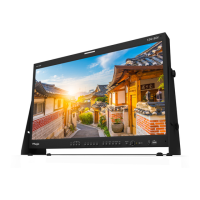
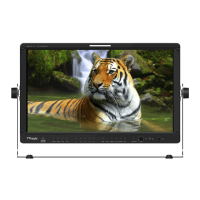
FHD High Bright Field Monitor 26
6. Button Functions
• Used to make a quick setting of the
Function Key.
1. Press the function button(F1~F3) on the
front of the monitor for more than 2 seconds
and activate the OSD menu as follows.
2. Move to a desired function with the Knob
and press the Knob to select.
3. Once the function is set, press the
Function button(F1~F3) to activate the
function.
• F-7H unit is capable of processing
SDI /HDMI Input signal.
1. Press the[MENU<EXIT]button on the front
of the monitor for more than 2 seconds
and activate the OSD menu as shown on
the below.
2. Input resolution displays on the bottom of
the OSD screen.
3. Press the [MENU<EXIT] button again to
remove the OSD menu from display.
* If no image displays after selecting the
desired input mode, check and make sure
that your connection is not lose or
disconnected.
[2] Function Key Set Button [1] Input Button
SDI
HDMI
NO VIDEO
F1 FUNC.SEL
SCAN
ASPECT
MARKER
H/V DEL AY
BLUE ONLY
ZOOM
FREEZE
DSLR SCALE
AUDIO LVM
TIME CODE
FOCUS ASSIST
WAVEFORM
LUMA(Y`) ZONE
RANGE ERROR
H/V FLIP
MAX BRIGHTNESS
CAMERA LUT
DISPLAY ENABLE


 To Next Page