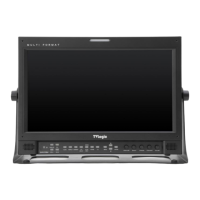
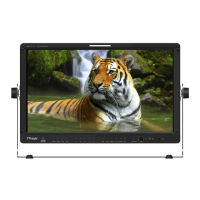
FHD High Bright Field Monitor 17
• BLUE ONLY
- Used to switch in the order of [O ]-[Blue
Only]-[Mono]-[O].
- Press the button to remove red and green
components from the input signal and
display blue componet only.
- Press the button again to switch to mono-
chrome mode which has no chroma signal.
• USER ASPECT HORIZONTAL/USER ASPECT
VERTICAL
- Activated only when the [SCAN] mode is set
to [User Aspect] .
- User can adjust the Horizontal and Vertical
size of the screen.
- See section “7. Other Functions [1] User
Aspect” for more information.
• 3G FORMAT
- Used to select 3G-SDI A/B input format
among NORMAL MODE(AUTO - A 422 10BIT_
YCbCr 50/60P), A 444 10/12BIT_YCbCr, A 444
10/12BIT_RGB, A 422 12BIT_YCbCr, B 444
10/12BIT_YCbCr, B 444 10/12BIT_RGB, B 422
12BIT_YCbCr, B 422 10BIT_YCbCr 50/60P.
- In NORMAL MODE, automatically detected
when Payload signal is contained.
• SCAN
- Used to change the Scan mode. Scroll up
and down using the Knob and the mode will
chang as the following sequence. [Zero
Scan] -> [Over Scan] -> [Pixel-To-Pixel] ->
[User Aspect]
* [USER ASPECT]: User can control the aspect
ratio by adjusting width and height of the
display.
- See section “7. Other Functions [1] User
Aspect” for more information.
• ASPECT
- Used to change the Aspect Ratio.
- Regardless of the original Aspect ratio of
the input signal, the Aspect Modes are
changed as follow sequence. : [16:9][4:3]
[2.35:1][1.85:1][15:9][16:10]
[Anamorphic1.3x][Anamorphic1.5x]
[Anamorphic2.0x][Auto]
*
[Auto] mode enables the Aspect Ratio of the
output signal to be synchronized to the
original Aspect Ratio of the input signal.
• H/V DELAY
- Used to monitor the Blanking area of H sync
and V sync.
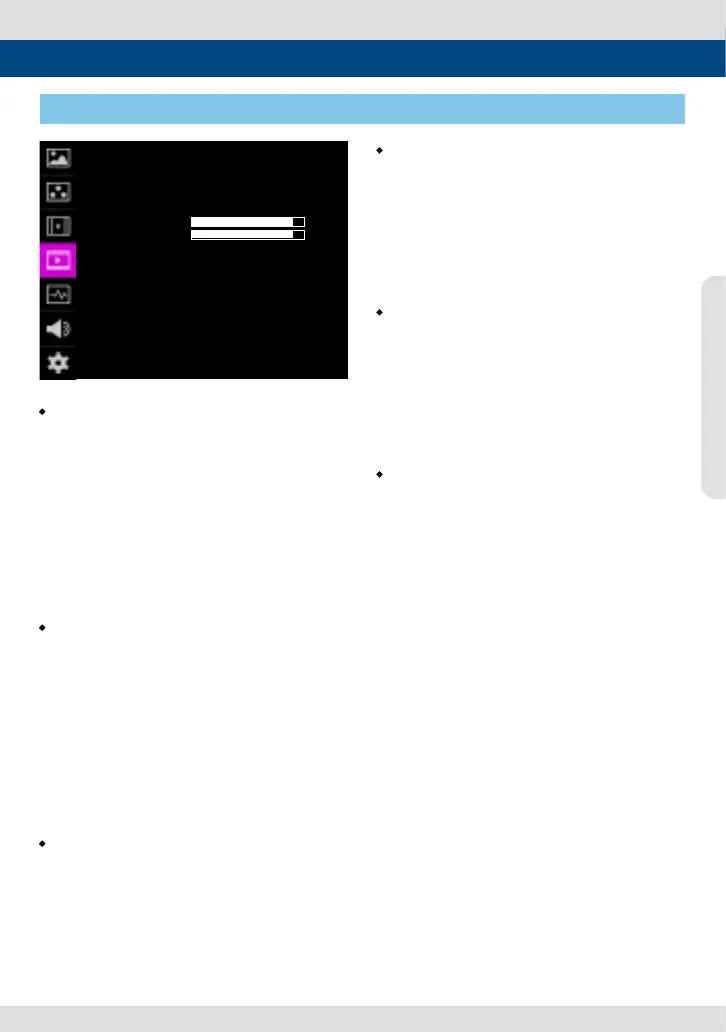
[4] VIDEO
5. Menu Operations
VIDEO이 F-7H
SCAN
ASPECT
H/V DEL AY
BLUE ONLY
USER ASPECT HOR
USER ASPECT VER
3G FORMAT
H/V FLIP
ZOOM
ZOOM SPLIT
ZERO SCAN
16:9
OFF
OFF
NORMAL
OFF
OFF
OFF
+ 0
+ 0
PAGE (1/2)


 To Next Page