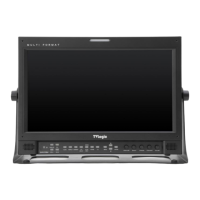
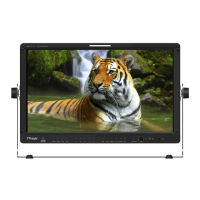
FHD High Bright Field Monitor 27
7. Other Functions
[1] User Aspect
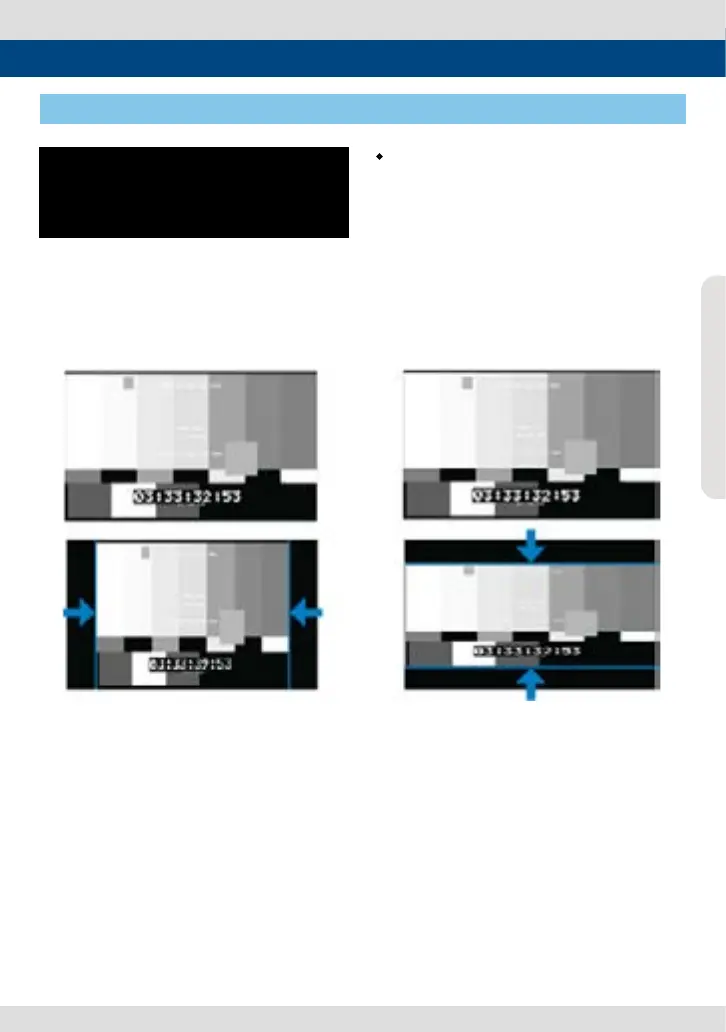
• Used to adjust the Width /Height display
ratio.
1. Select [Aspect] mode in the OSD menu by
pressing the function button on the right
top of the monitor to activate the [USER
ASPECT] mode.
2. After the activation, press the Knob to
begin controlling. Adjust the ratio using the
knob.
- Adjust the ratio using the Knob.
- Control range for width: 0~1920.
- Control range for height : 0~1080.
- The size-adjusted picture always stays in
the center of the screen.
- The size can be adjustable with 2 increment
and decrement.
# To adjust the 16:9 aspect ratio of 1920X1080
resolution into 2.35:1 aspect ratio, adjust the
width and height as 1280 x 544.
USER ASPECT
WIDTH +1920
HEIGHT +1080


 To Next Page