FHD High Bright Field Monitor 29
7. Other Functions
[3] Line Select (Waveform/VectorScope) [4] Zoom
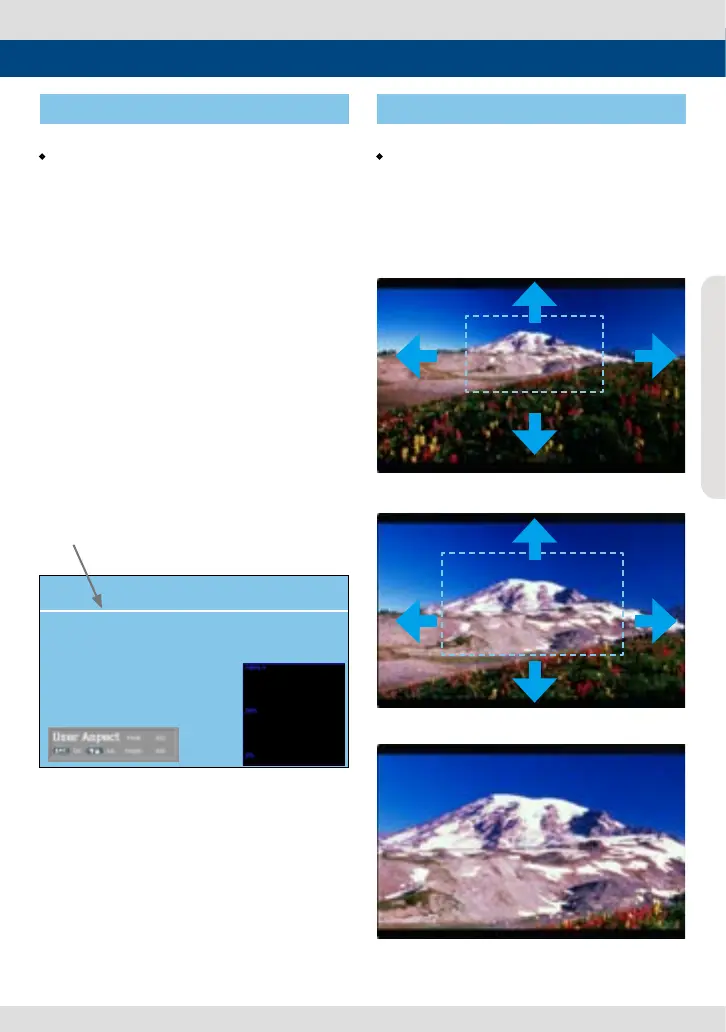
• Used to select specic Vertical Line for
WaveForm/VectorScope.
- This is available when LINE WaveForm is
activated.
- To activate this feature, go to [Waveform]-
[Waveform/Vector]-[Line Waveform]-
[Select Line Position] and use the Knob to
select a vertical line.
- Selected line is indicated in White on the
screen.
- Control range varies according to the
resolution of the input SDI signal.
* PAL : 0~625
* NTSC : 0~525
* 720p : 0~750
* 1080 i/p : 0~1125
*
Selected line is
indicated on the screen.
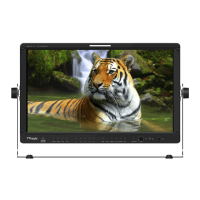
• Used to magnify the input signal from 0%
to 90%.
- Supports Zoom Width Scroll / Zoom Height
Scroll function.
- Zooms IN/OUT focused on the scrolled area.
<ZOOM 75%>
<ZOOM 50%>
<ZOOM OFF>


 To Next Page