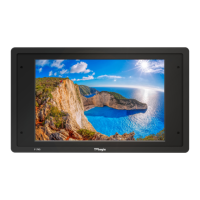
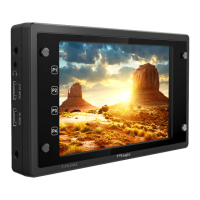
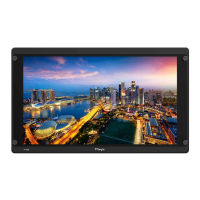
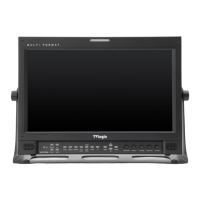
FHD High Bright Field Monitor 8
3. Controls & Functions
TOP BOTTOM
• [MENU/EXIT/SOURCE] Button
- Used to activate the OSD menu.
- When the OSD menu is activated, press this
button to exit from the menu.
- Press the button for more than 2 seconds
to activate Input Select menu. (SDI, HDMI)
- Use the [ENCODER] Knob to change the
Input Signal.
• [UP/DOWN/ENTER] Knob
- Used to move within the menu when OSD
menu is activated, and is also used to
decrease or increase the value of the
selected feature.
- Press the knob to select the main menu
and the sub menus.
• [F1]~[F3] Button
- Press the button for less than 2 seconds to
activate the function.
- Press the button for more than 2 seconds
to activate Function Select menu. (Scan,
Aspect, H/V delay, etc.)
- Press the button for more than 2 seconds
to indicate previously selected function.
- Use the Knob to change the function.
• [USB]
- This terminal is used to upgrade the
rmware or color calibration made by
TVLogic.


 To Next Page