Need help?
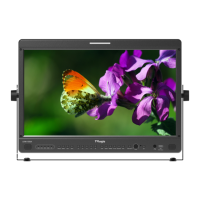
Do you have a question about the TVLogic LVM-172W and is the answer not in the manual?
Detailed description of picture adjustment options.
Picture settings specific to DVI Analog input.
Explains color temperature, gain, and bias adjustments.
Explains Waveform/Vectorscope and Focus Assist features.
Comprehensive technical specifications for the LVM-172W model.
Comprehensive technical specifications for the LVM-242W model.
 General
| Resolution | 1280 x 1024 |
|---|---|
| Panel Type | IPS |
| Aspect Ratio | 5:4 |
| Brightness | 250 cd/m² |
| Response Time | 8 ms |
| Power Consumption | 30 W |
| Display Size | 17 inch |
| Viewing Angle | 178°/178° |


 To Next Page