Need help?
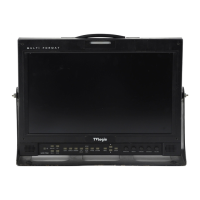
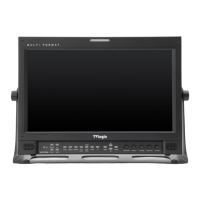
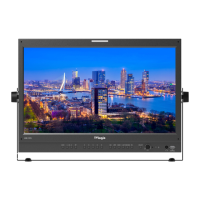
Do you have a question about the TVLogic LVM-171W and is the answer not in the manual?
Details the monitor's compatibility with various SDI signal types, including standard and high definition formats.
Explains the hierarchical structure and layout of the monitor's on-screen display (OSD) menu system.
Describes how to navigate and operate the monitor's functions using the front panel buttons like MENU, UP/DOWN, and ENTER.
Provides a step-by-step guide on how to access, select, and adjust settings within the monitor's OSD menu.
Allows reinitialization of monitor settings to their default values for BRIGHT, CONTRAST, PHASE, and CHROMA.
Guides on setting up and using the DUAL LINK mode for viewing dual link signals, including SDI format and sampling.
 General
| Resolution | 1280 x 1024 |
|---|---|
| Panel Type | LCD |
| Brightness | 300 cd/m² |
| Contrast Ratio | 1000:1 |
| Aspect Ratio | 5:4 |
| Response Time | 8 ms |
| Power Consumption | 30 W |
| Screen Size | 17 inches |
| Input Ports | HDMI |
| Viewing Angle | 178°/178° |

 To Next Page