Need help?
Do you have a question about the TVLogic LVM-182W and is the answer not in the manual?
Essential safety instructions for operation, power, attachments, and electrical hazards.
Guidelines for placement, water, heat, ventilation, and handling the LCD panel.
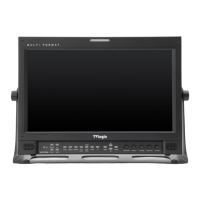
Detailed descriptions of front panel buttons like OPERATE, POWER, ANALOG, DIGITAL, SDI, SCAN, ASPECT, MARKER, H/V DELAY, BLUE ONLY/MONO, PHASE, WAVEFORM.
Descriptions of MENU, DOWN, UP, ENTER buttons, and APERTURE, BRIGHT, CHROMA, CONTRAST, VOLUME knobs, TALLY lamp.
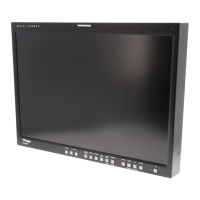
Descriptions of STATUS INDICATOR, ANALOG, DIGITAL, SDI-A/B, F1-F5, SCAN, MARKER, H/V DELAY, BLUE ONLY/MONO, INFO. buttons.
Descriptions of MENU/EXIT, ENTER/UP/DOWN, OPERATE, POWER, USB, AUDIO OUT, TALLY controls.
Overview of OSD menu structure and steps for adjustment.
Steps for updating the monitor's firmware via USB memory stick.
Detailed technical data including size, resolution, connectivity, power, and dimensions for each model.


 To Next Page
 General