35
Web User Guide
1. Establish a Wi-Fi connection on the touch screen.
2. Access the next interface by selecting "Tools" on the main screen.
3. Navigate to the selection interface by clicking on "Wi-Fi".
4. Choose the desired Wi-Fi network, input the password, and press "Connect".
5. Once the connection is established, an assigned IP address will be provided.
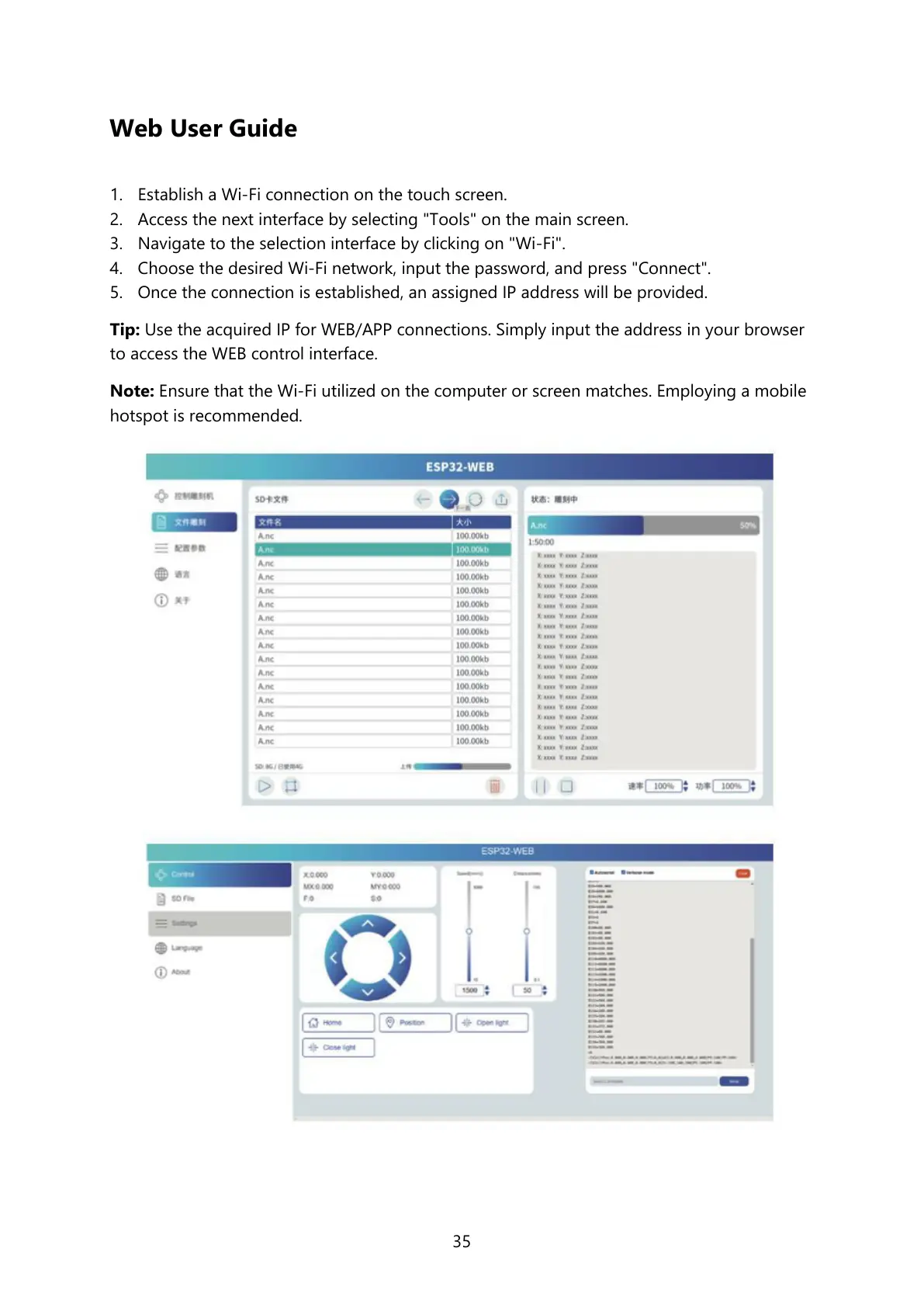
Tip: Use the acquired IP for WEB/APP connections. Simply input the address in your browser
to access the WEB control interface.
Note: Ensure that the Wi-Fi utilized on the computer or screen matches. Employing a mobile
hotspot is recommended.



 To Next Page