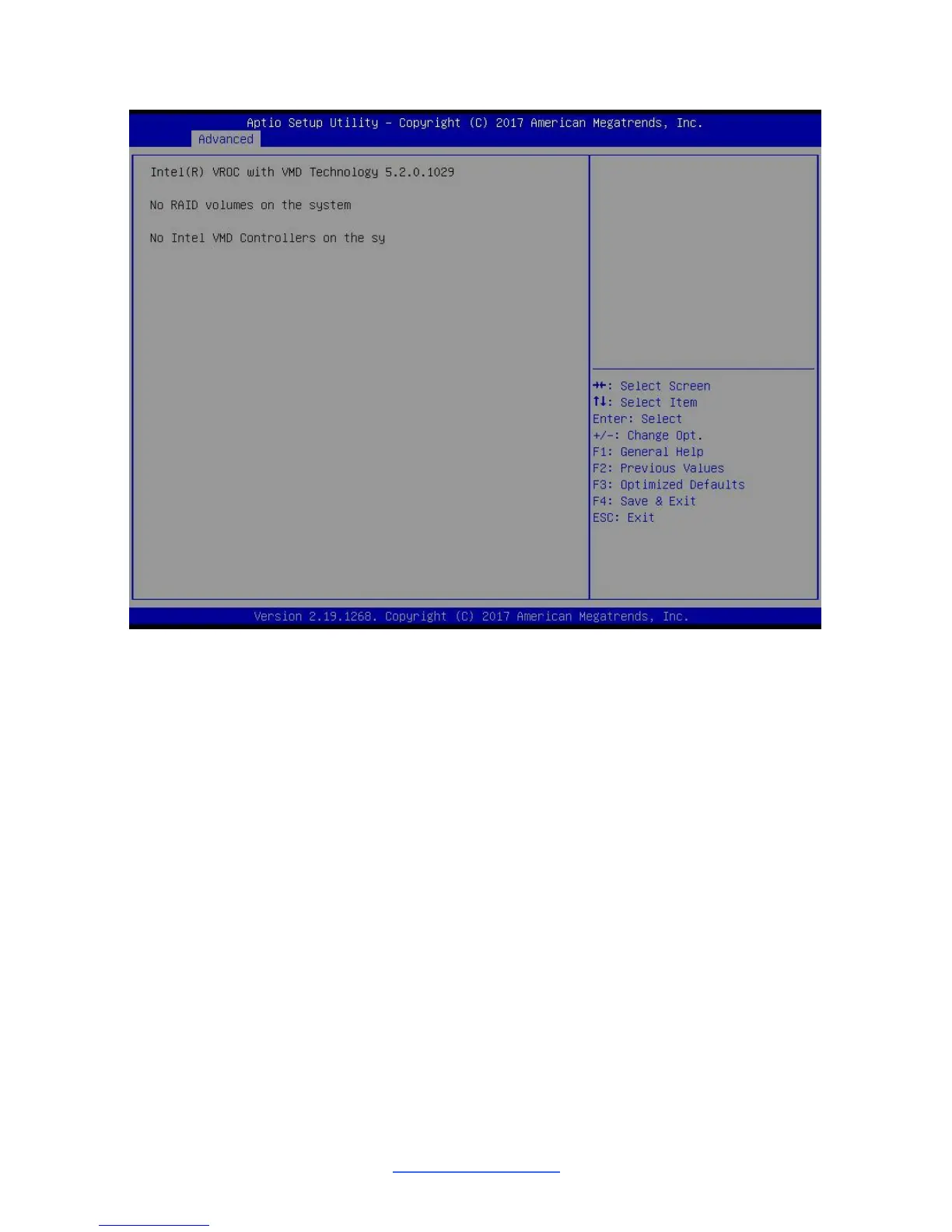
3.3.2 Intel(R) Virtual RAID on CPU
Please follow the instructions to initiate the Intel Virtual RAID on CPU function.
Step 1.
Select Socket Configuration IIO Configuration Intel® VMD technology
Intel® VMD for Volume Management Device on Socket 0 (for CPU0) / Socket 1
(for CPU1) Intel® VMD for Volume Management Device for PStack0 (Slot 1~4)
/ PStack1 (Slot 5~8) / PStack2 (Slot 9~12)
Step 2.
Suppose the card is installed in CPU0 Slot 3, then Intel® VMD for Volume
Management Device for PStack0 will be set to [Enabled].
Step 3.
Save changes and reboot.



 To Next Page