http://www.tyan.com
111
Appendix II: RAID OPROM Configuration
This section describes how to setup the RAID system with the RAID OPROM Utility.
Introduction
The RAID Option ROM (OPROM) is an application that runs on your motherboard’s
Basic Input Output System (BIOS). RAID OPROM appears when you first boot
your computer, before your operating system loads.
Installation
There is no installation required. RAID OPROM comes factor-installed on your Intel
motherboard.
Opening RAID OPROM
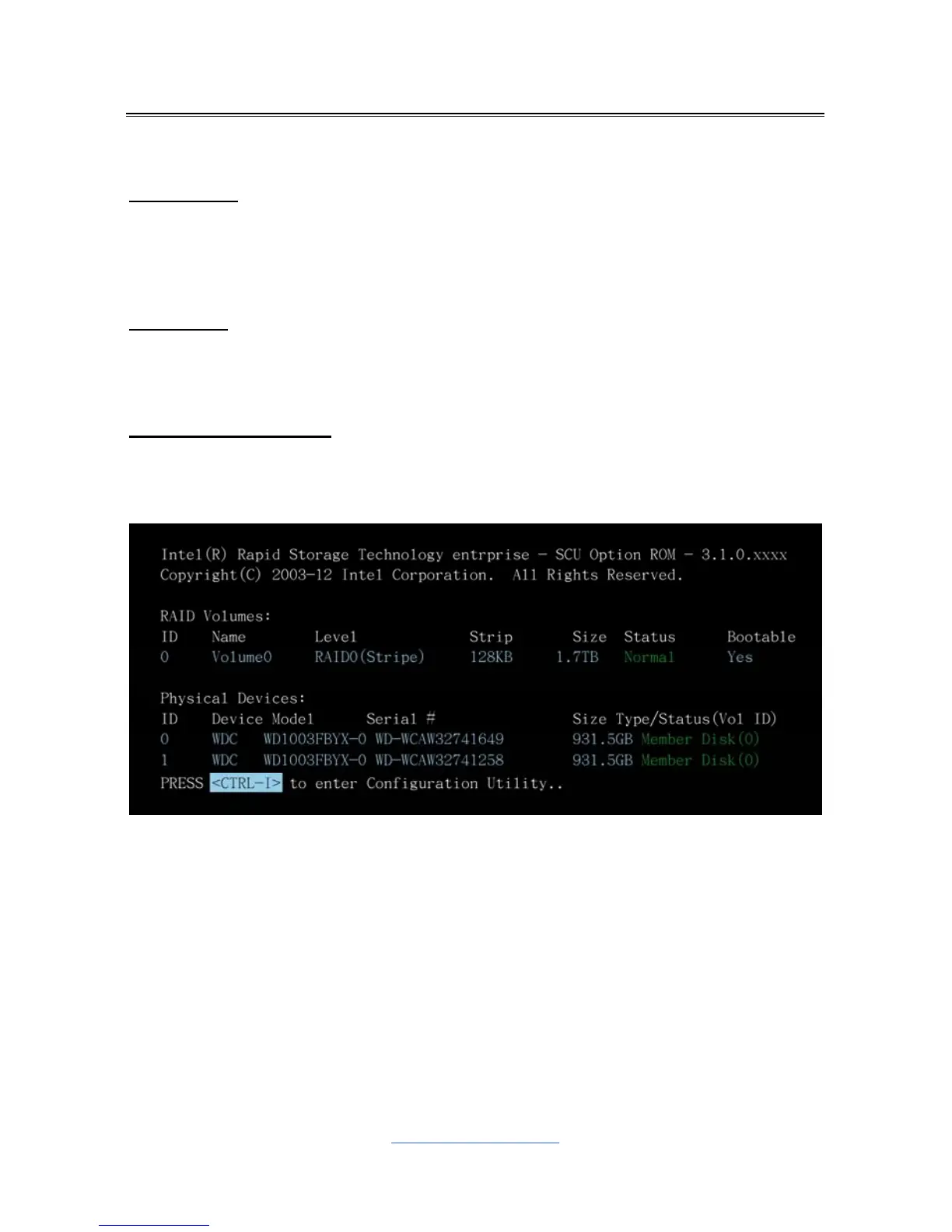
When the RAID OPROM loads during boot-up, it displays pertinent information
about the RAID logical drives that it finds.
When the RAID Option ROM screen appears, press <CTRL-I> to enter the Utility.
Follow the instructions on your computer screen to complete the RAID OPROM
Configuration.



 To Next Page