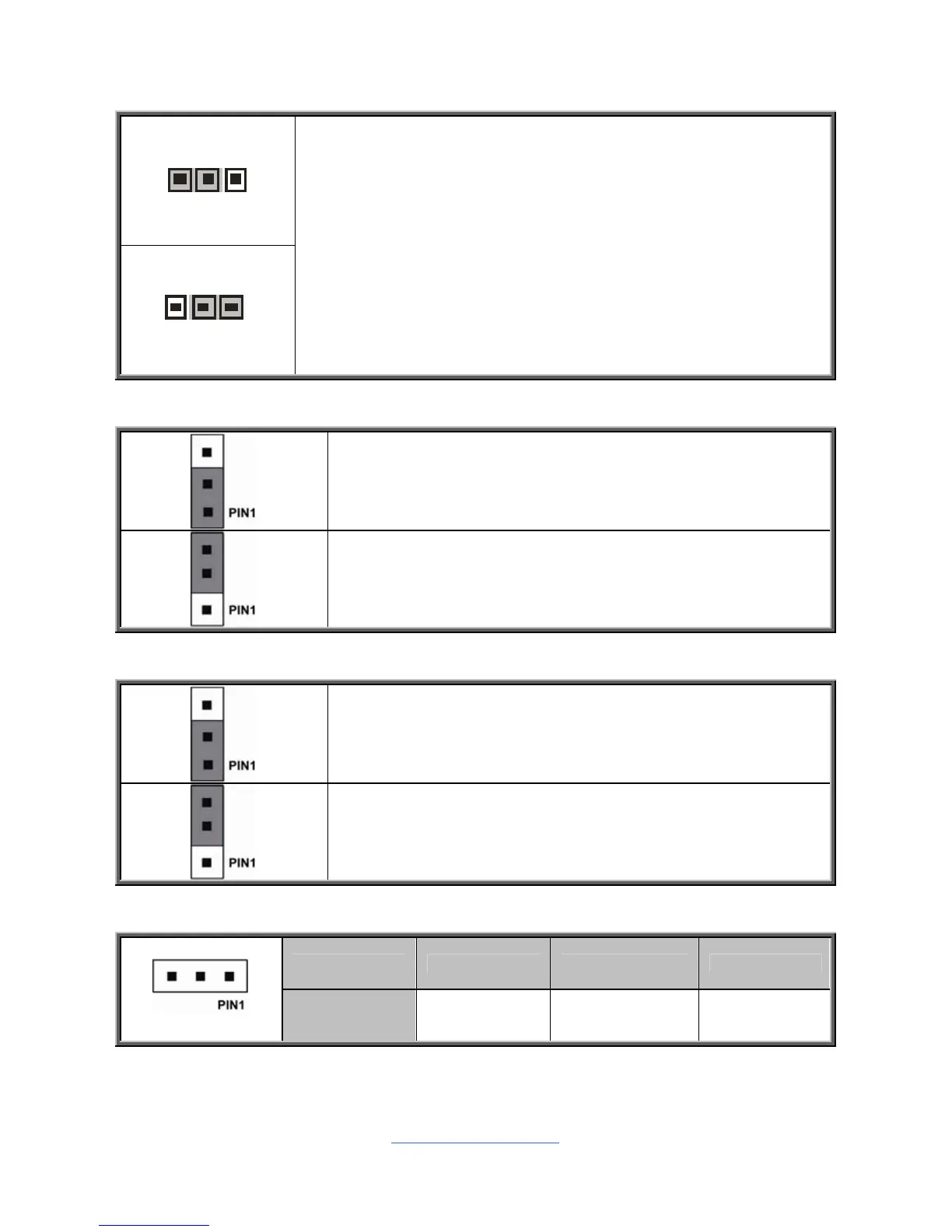
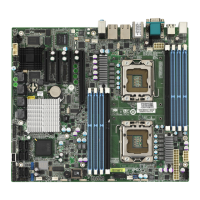
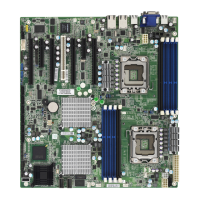
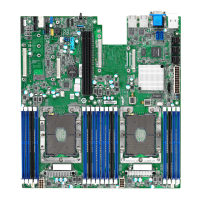
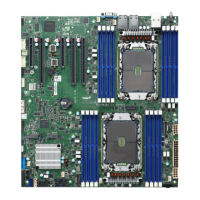
Clear CMOS
You can reset the CMOS settings by using this jumper. This
can be useful if you have forgotten your system/setup
password, or need to clear the system BIOS setting.
1. Power off system and disconnect power connectors from
the motherboard.
2. Remove the jumper from Pin_1 and Pin_2 (Default setting).
3. Move the jumper cap to close Pin_2 and Pin_3 for several
seconds to Clear CMOS.
4. Put jumper cap back to Pin_1 and Pin_2 (Default setting).
5. Reconnect power connectors to the motherboard and
power on system.
JP10: ME Firmware Update Jumper
Pin 1-2 Closed: no function (Default)
Pin 2-3 Closed: Update ME Firmware
JP11: ME Recovery Mode Jumper
Pin 1-2 Closed: Open (Default)
Pin 2-3 Closed: ME Recovery
J67: PCH Software SAS RAID Key Header
Pin 1 2 3
Signal GND PCH_RAID_KEY GND


 To Next Page