EasyManua.ls Logo

TYAN S8238 - Page 19

TYAN S8238
96 pages
Print Icon
To Next Page IconTo Next Page
To Previous Page IconTo Previous Page
Loading...
http://www.tyan.com
19
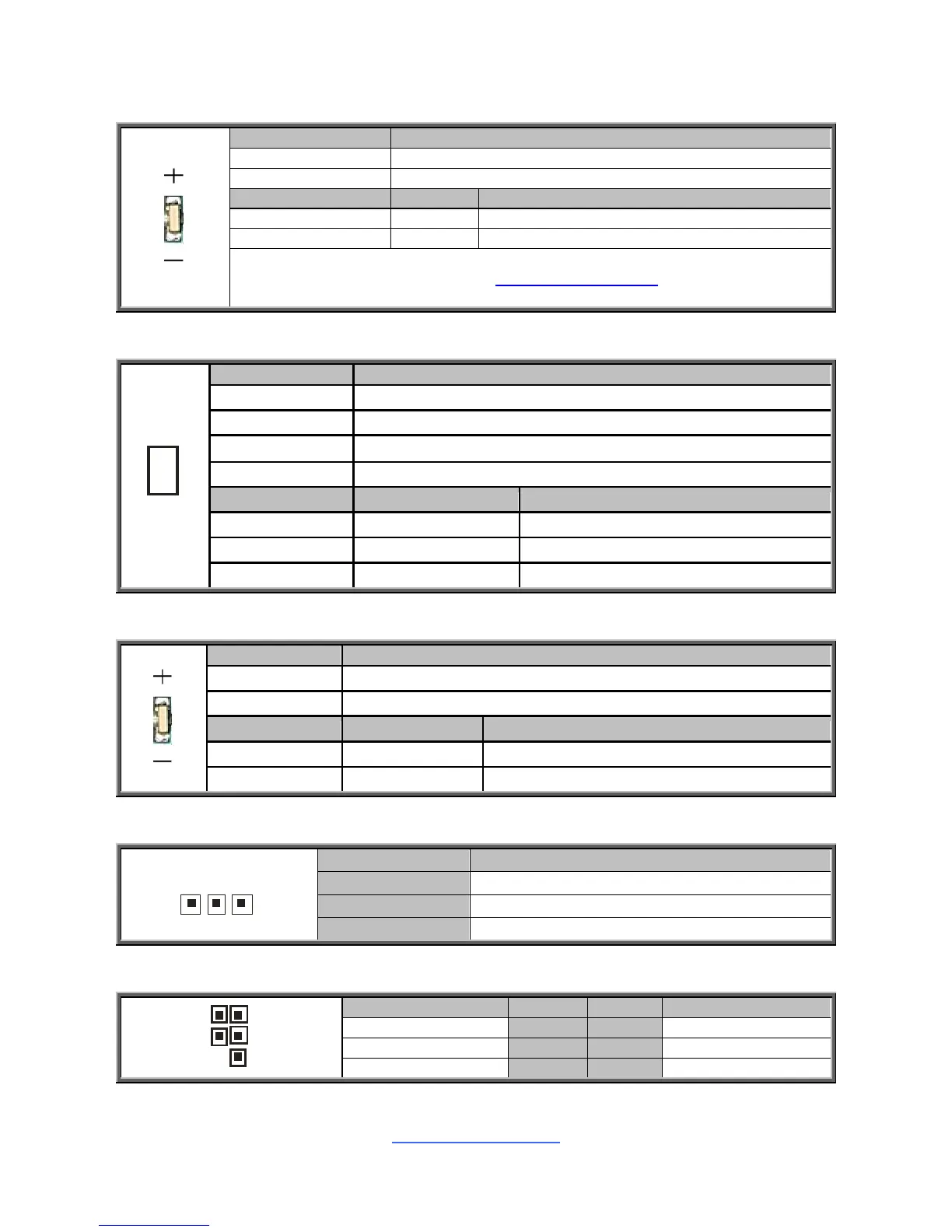
LED1: ID LED
Pin
Signal
+
P3V3_AUX
-
ID_SW_L
State
Color
Description
On
Blue
System identified
Off
Off
System not identified
NOTE:
IPMI can activate ID LED from remote site.
Please visit the TYAN Web Site at http://www.tyan.com to download the
latest AST2050 Software Configuration Guide for IPMI settings.
LED2:Infiniband LED
1
4
2
3
+
-
Pin
Signal
+ 4
VCC3
- 2
Infiniband Link-
+ 3
VCC3
- 1
Infiniband Active-
State
Color
Description
Link
Green
Infiniband Link
Active
Orange
Infiniband Active
Off Off Infiniband no link
LED3: Standby power LED
Pin
Signal
+ P3V3_AUX
-
GND
State
Color
Description
On
Blue
Standby Power OK
Off
Off
No power
J4: Infiniband SMB Header
1
Pin
Signal
1
Infiniband_SMB SCL
2
Infiniband_SMB SDA
3
GND
J14: BMC SMB Header
2
1
5 6
Signal
Pin
Pin
Signal
V3AUX
1
2
BMC_SMB_SCL
GND
3
4
BMC_SMB_SDA
KEY PIN
5
6
BMC_Error_LED

Related product manuals