English
EIL/MAN/002: REVISION 6 Date: July 2007 Page 15
5.1 Alignment For Calibration
Calibration on some products can prove difficult to achieve. This is normally due to the sensor
timing out before the label and backing material contrast has been recognised by the printer’s
sensor.
Reducing the length of time the sensor has to pick up on the difference between the labels and
backing material will result in successful sensor calibrations.
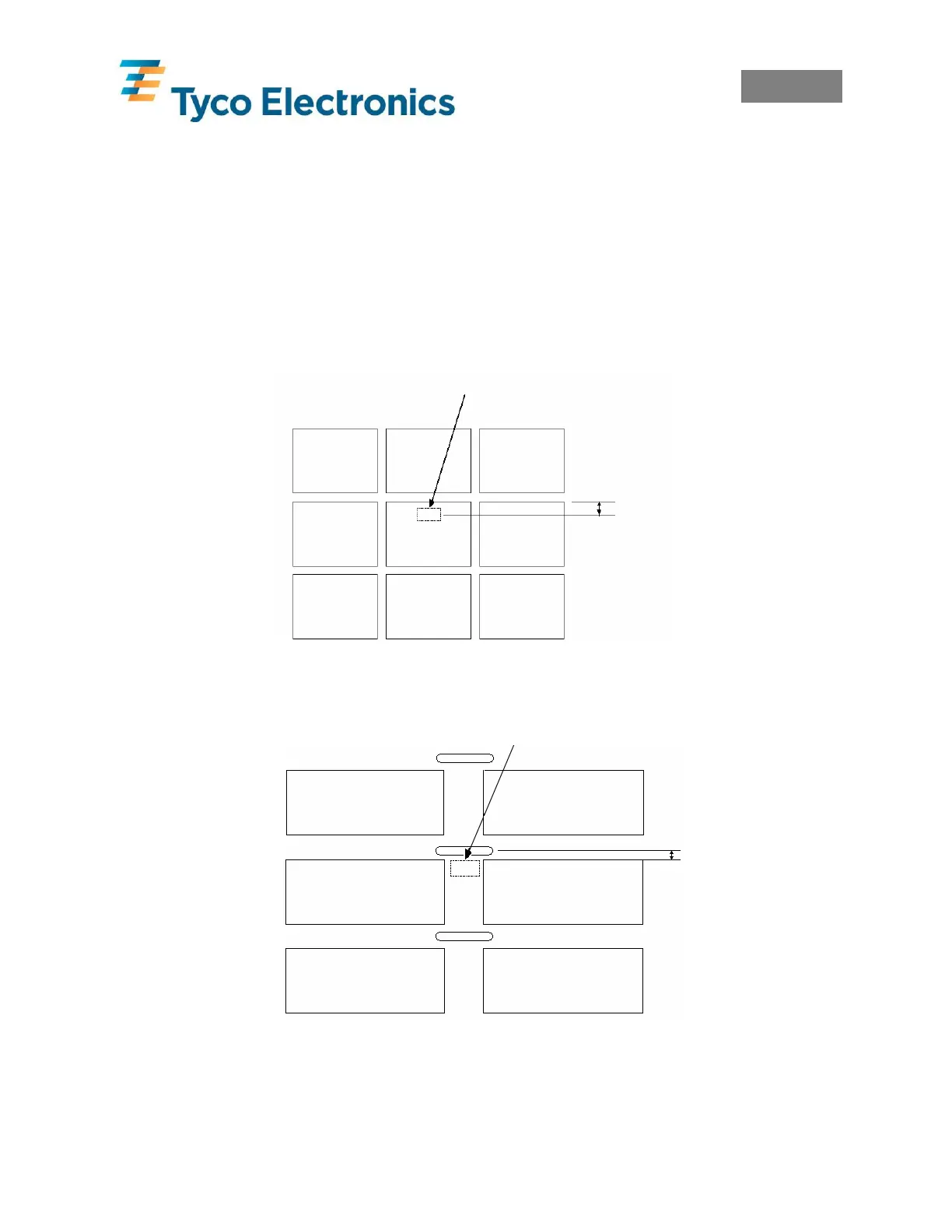
5.1.1 Labels Alignment
Position a label under the T200 sensor with less than approx. 5mm of label travel to occur
before the backing material is picked up by the sensor.
5.1.2 Labels With Sensor Holes Alignment
Position a label under the T200 sensor with less than approx. 5mm of media travel to occur
before the sensor hole is picked up by the sensor.
NOTE: Labels will only calibrate if they pass directly under the sensor. Products that do not
have a label directly under the sensor will not calibrate. A sensor hole or black mark is required
to calibrate these products. If the black mark is to be used the default sensor setting must be
changed in the printer, refer to section 6.0 Changing Sensor Type.
Approx 5mm
AApprox 5mm



 To Next Page