EasyManua.ls Logo

TypeS AC56789 - User Manual

TypeS AC56789
48 pages
Print Icon
To Next Page IconTo Next Page
Loading...
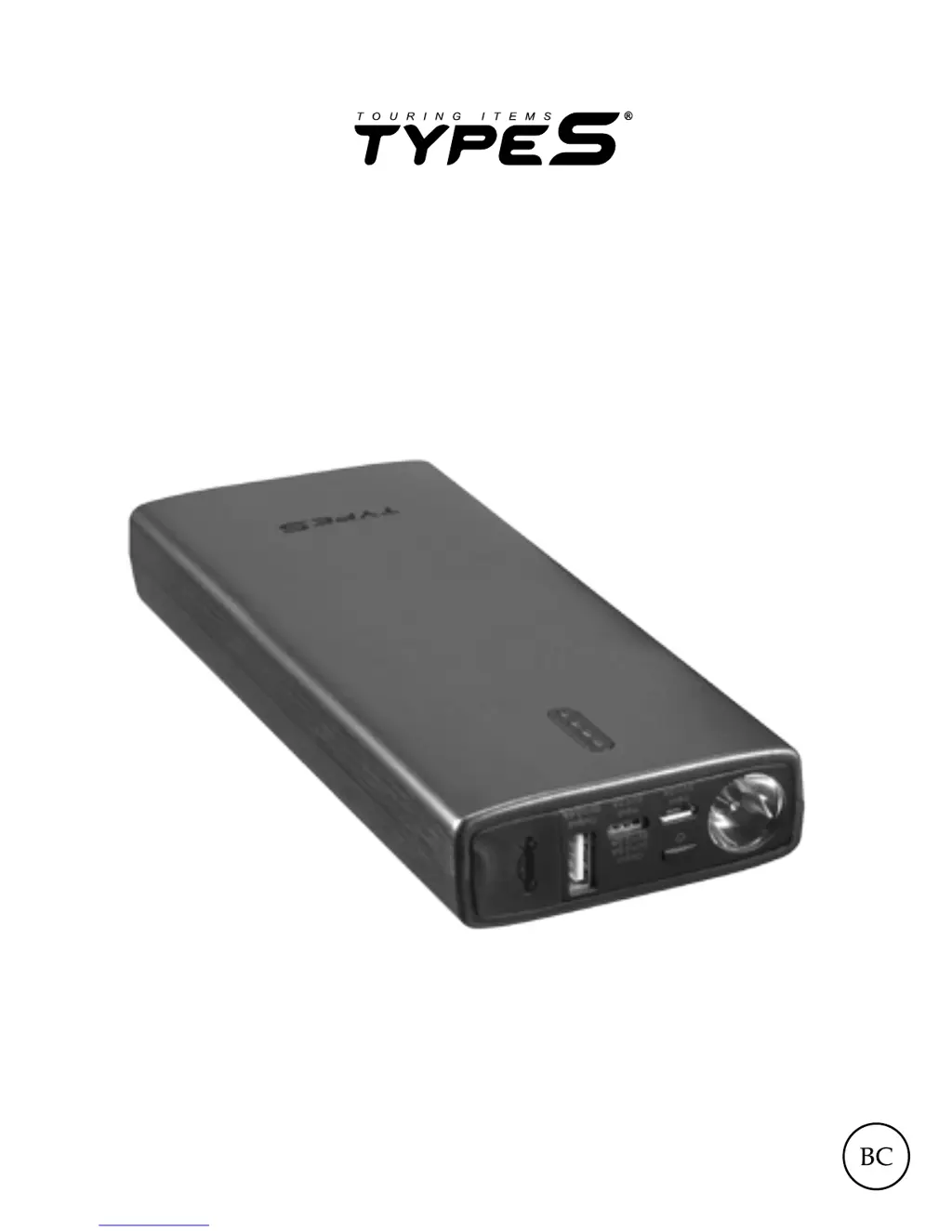
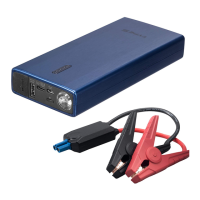
JUMP STARTER
& PORTABLE POWER BANK
ITM. / ART. # 263084
WP ITM. AC56789
AC56789UK-60
User Manual

Questions and Answers

  • S
    Shannon EllisAug 2, 2025
    What to do if my TypeS Remote Starter cannot jump start?
    • D
      daniel56Aug 2, 2025
      If your TypeS Remote Starter fails to jump start your car, there are a few potential reasons: * **Wrong clamp connection:** Ensure the RED jumper cable is connected to the POSITIVE (+) post on the car battery and the BLACK jumper cable to the NEGATIVE (-) post or car interior. * **30-Second timer expired:** The jump starter might have timed out. Disconnect the cables from the vehicle battery and reconnect them. * **Low battery status:** Recharge the unit via USB cable until at least three solid lights are showing, or the charge is at 51% or higher.
  • P
    Patricia HamiltonAug 7, 2025
    What to do if the flashlight on my TypeS AC56789 Remote Starter does not turn on?
    • D
      David ComptonAug 7, 2025
      If the flashlight on your TypeS Remote Starter isn't working, there are a couple of things to check: * **Low battery:** The unit might need to be recharged via USB cable. * **Charging:** As a safety feature, the flashlight won't operate while the unit is charging. Disconnect the unit from the charger or wait until charging is complete before attempting to use the flashlight.
  • L
    levikellyAug 12, 2025
    Why is there no LED indicator light on my TypeS AC56789 Remote Starter?
    • F
      Frank CollinsAug 12, 2025
      If there is no LED indicator light on your TypeS Remote Starter, it could be due to: * **Low battery:** * **Power bank in off mode:** Press the power on/off button.
  • J
    Jackie Shaffer DVMAug 17, 2025
    How to charge TypeS Remote Starter if there is no wall adapter?
    • J
      James ReynoldsAug 17, 2025
      To charge your TypeS Remote Starter without a wall adapter, plug the USB cable into a computer or any USB 2A wall adapter.
  • N
    nelsonlaurenAug 22, 2025
    Why doesn't the flashlight on my TypeS AC56789 turn on?
    • A
      Alex BlackAug 22, 2025
      If the flashlight on your TypeS Remote Starter isn't turning on, it could be due to a low battery. Recharge the unit using a USB cable. Also, as a safety measure, the flashlight won't function while the unit is charging. Unplug the unit or wait until charging is complete before using the flashlight.
  • J
    Julie ReynoldsAug 27, 2025
    What does it mean if the LED light on the clamp box of my TypeS AC56789 is flashing?
    • R
      reeveslisaAug 27, 2025
      If the LED light on the clamp box of your TypeS Remote Starter keeps flashing, it indicates that the protection circuit is active.

Summary

Safety and Warnings

General Safety Instructions

Essential safety guidelines for operating the jump starter and handling batteries to prevent injury.

Battery Disposal

Proper procedures for disposing of the self-contained battery and adhering to local recycling laws.

Important Safety Precautions

User Operation Precautions

Critical precautions for safe product use, including supervision, handling, and avoiding hazardous conditions.

Personal Safety Measures

Package Contents

Technical Specifications

Power Level Indicator Lights

Charging the Jump Starter

Jump Starting Procedure

Vehicle Preparation

Steps to prepare the vehicle before initiating the jump-starting process.

Connecting Jumper Cables

Detailed guide on correctly connecting the red and black jumper clamps to the vehicle battery posts.

Starting and Disconnecting

Instructions for starting the vehicle, managing connections, and safely disconnecting the jump starter cables.

LED Status and Controls

Explanation of polarity protection circuit status lights and LED light functions for operation.

Warranty Information

Owners Responsibilities

Outlines the customer's responsibilities for claiming warranty service, including required documentation and return procedures.

Declaration of Conformity

Information on how to access the product's Declaration of Conformity statements from the manufacturer's website.

Component Label Details

Troubleshooting Guide

TypeS AC56789 Specifications

General IconGeneral
BrandTypeS
ModelAC56789
CategoryRemote Starter
LanguageEnglish

Related product manuals