13
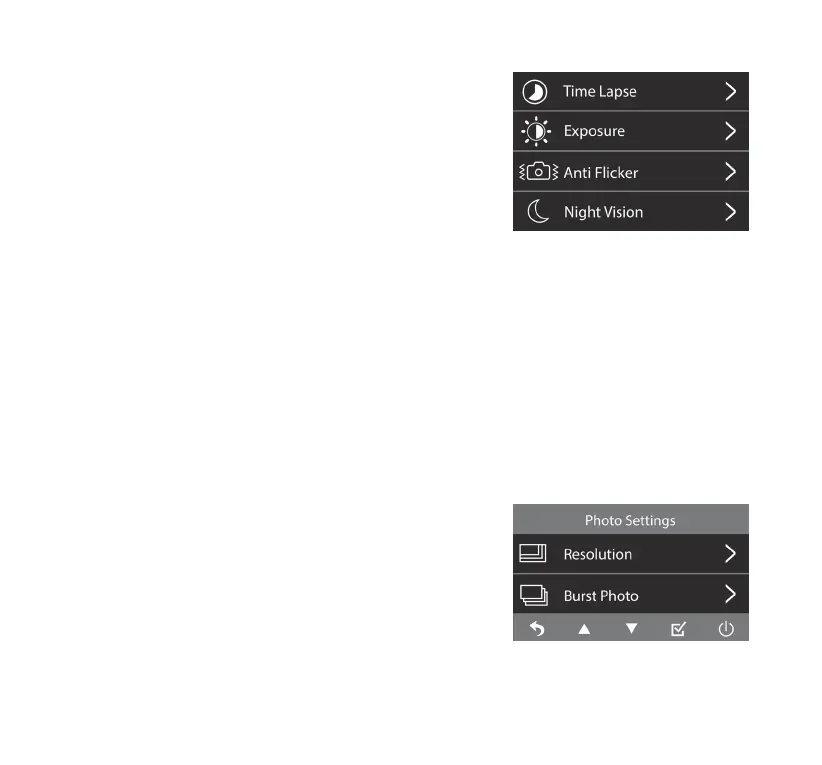
6. Time L apse
Select between normal and time lapse video.
Time lapse videos are recorded at a lower frame rate to
create an accelerated time eect during playback (refer to
page 17).
NOTE: Please set Motion Detect to OFF to activate the
Time Lapse function.
7. Exposure
Adjust the exposure level between 2, 1, 0, -1 and -2 for
dierent lighting conditions.
8. An ti Flic ker
Adjust anti-ickering setting between 50Hz and 60Hz.
9. Night Vision
Set Night Vision to AUTO. The camera will automatically switch to black and white display under
low-light conditions for improved visibility.
Set Night Vision to ON. The camera will display in black and white at all times to provide constant
night vision functionality.
NOTE: Night Vision function supported by Interior Camera only.
Photo Settings
1. Resolution
Select photo resolution between 12M (4608 x 2592),
8M (3840 x 2160) and 5M (3072 x 1728).
2. Burst Photo
Burst Photo On/O.
Burst Photo Mode allows you to capture a series of photos
in quick succession.



 To Next Page