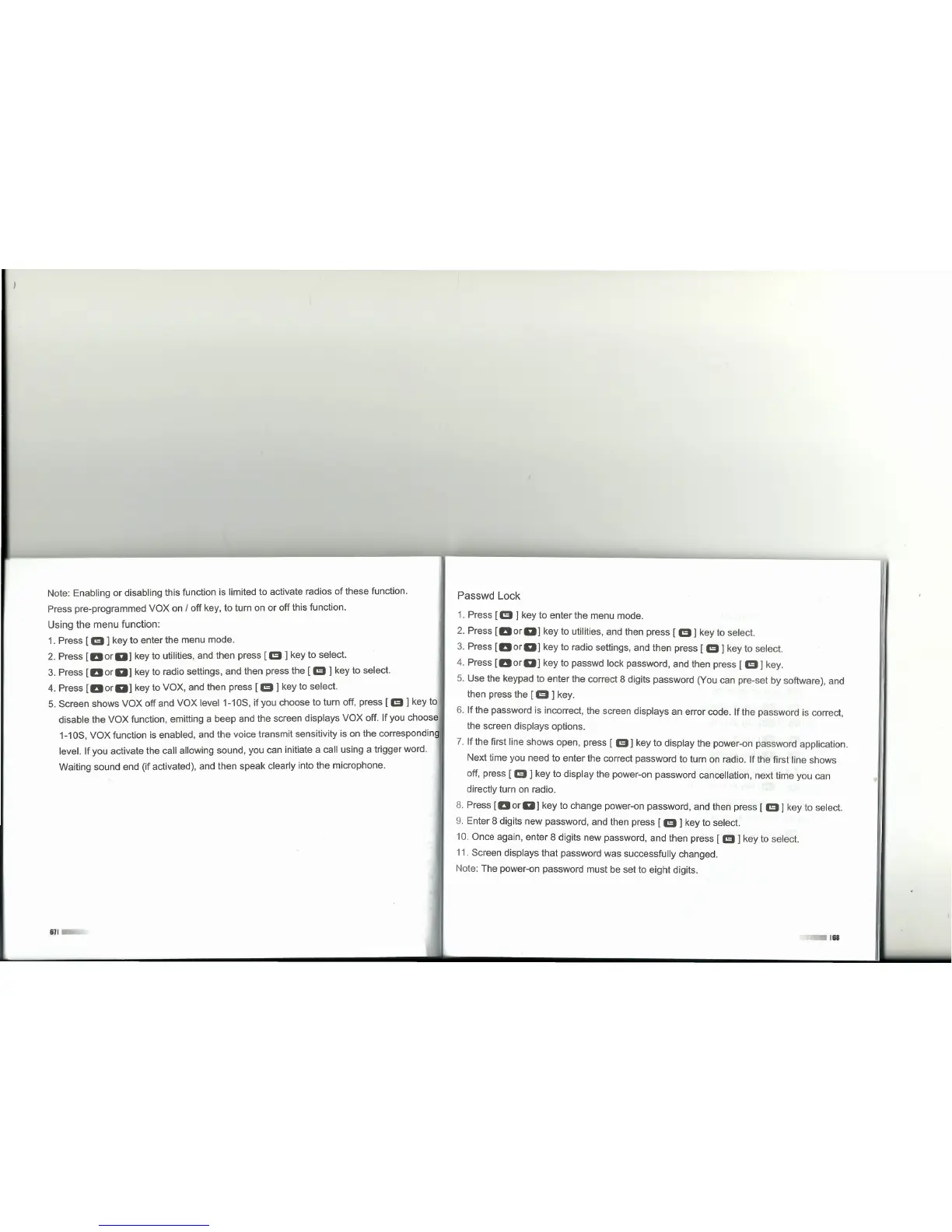
Note: Enabling or disabling this function is limited to activate radios of these function.
Press pre-programmed VOX on I off key, to turn on or off this function.
Using the menu function:
1. Press [
e]
key to enter the menu mode.
2. Press
[DorD]
key to utilities, and then press
[e]
key to select.
3. Press
[DorD]
key to radio settings, and then press the
[e]
key to select.
4. Press
[DorD]
key to VOX, and then press
[e]
key to select.
5. Screen shows VOX off and VOX level 1-10S, if you choose to turn off, press [
m]
key to
disable the VOX function, emitting a beep and the screen displays VOX off. If you choose
1-10S, VOX function is enabled, and the voice transmit sensitivity is on the corresponding
level. If you activate the cali allowing sound, you can initiate a cali using a trigger word.
Waiting sound end (if activated), and then speak clearly into the microphone.
611
Passwd Lock
1. Press
[m ]
key to enter the menu mode.
2. Press
[DorD]
key to utilities, and then press
[e]
key to select.
3. Press
[DorD]
key to radio settings, and then press
[m]
key to select.
4. Press
[DorD]
key to passwd lock password, and then press
[e]
key.
5. Use the keypad to enter the correct 8 digits password (You can pre-set by software), and
then press the [
m ]
key.
6. If the password is incorrect, the screen displays an error code. If the password is correct,
the screen displays options.
7. If the first line shows open, press [
m]
key to display the power-on password application.
Next time you need to enter the correct password to turn on radio. If the first line shows
off, press [
m]
key to display the power-on password cancellation, next time you can
directly turn on radio.
8. Press
[DorD]
key to change power-on password, and then press
[e]
key to select.
9. Enter 8 digits new password, and then press [
e]
key to select.
10. Once again, enter 8 digits new password, and then press [
m]
key to select.
11. Screen displays that password was successfully changed.
Note: The power-on password must be set to eight digits.
168



 To Next Page