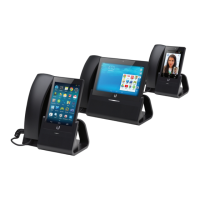
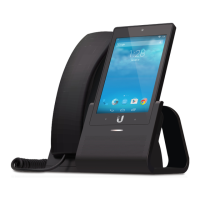
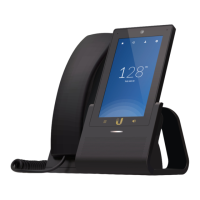
11
Chapter 4: Settings ScreenUniFi® VoIP Phone User Guide
Ubiquiti Networks, Inc.
Chapter 4: Settings Screen
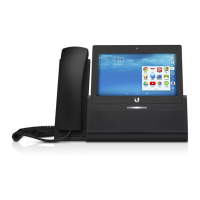
To access the Settings screen from the Home screen:
• UVP Executive Touch the Settings icon.
• UVP, UVP-Pro Touch the Apps icon, then touch the
Settings icon (you may need to swipe the display to
advance to the next screen).
Settings Screen
The Settings screen displays the available configuration
options. The screen is divided into the following sections:
• Network This section contains settings related to
network connections. For details, see “Network
Settings” on page 14.
• Device This section contains device hardware settings.
For details, see “Device Settings” on page 17.
• Personal (Available only if All is selected.) This section
contains personal information settings. For details, see
“Personal Settings” on page 20.
• Accounts This section contains account settings. For
details, see “Accounts Settings” on page 22.
• System This section contains system settings. For
details, see “System Settings” on page 22.
The Settings screens for all models and for both filter
settings (All and Simple) are shown below. Filter settings
are described in “Option Selection” on page 13.
UVP Settings Screen - Simple


 To Next Page
 Loading...