UBTECH CADEBOT USER MANUAL
Map Settings
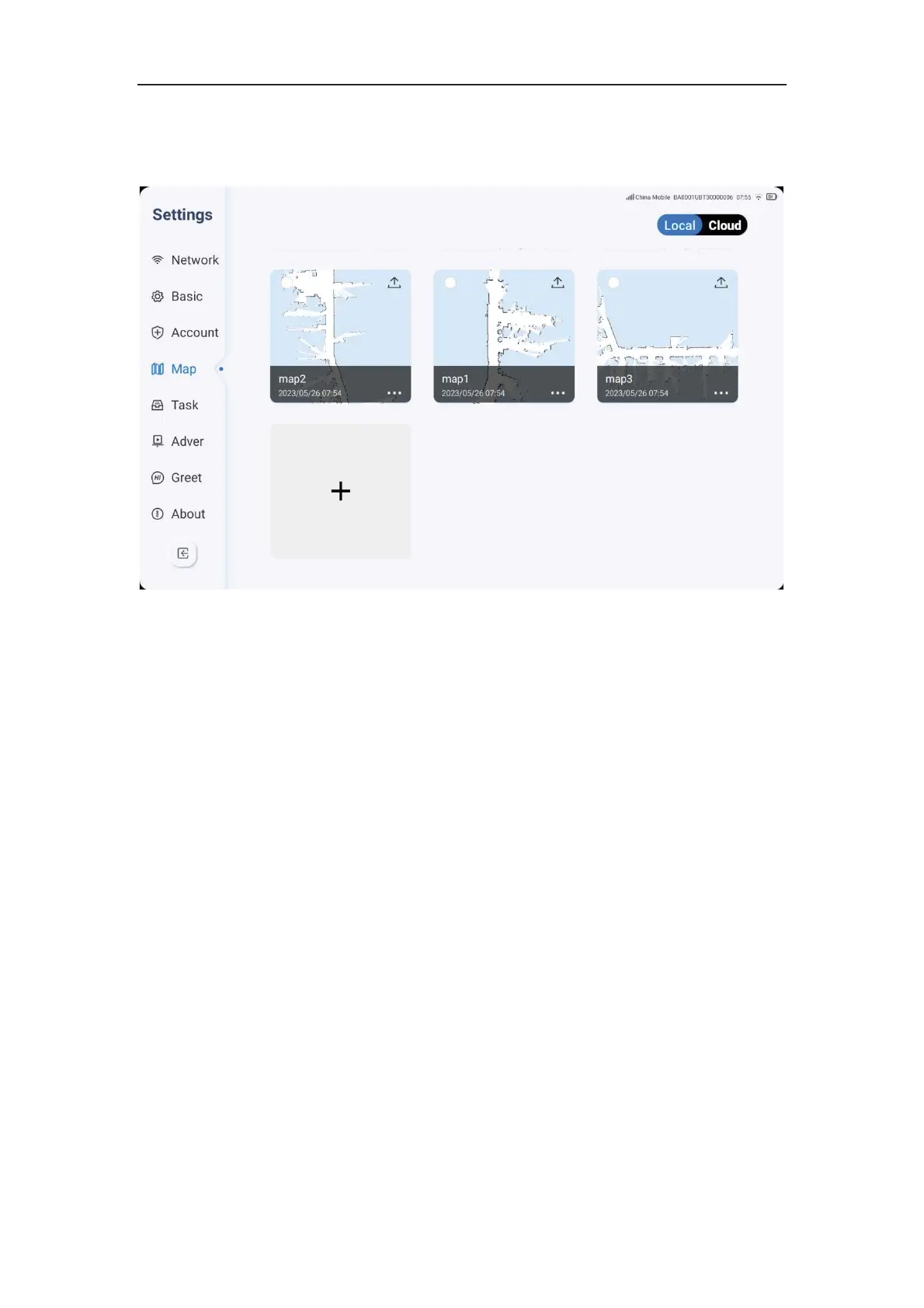
1. Click the settings icon, select Map, and perform map settings. You can view the
currently selected maps that are being used.
2. Select the "Local" map by checking the map top left corner, and it will be considered as
selected.
3. When selecting the local map, check the map top right corner to upload the selected
local map to the cloud.
4. Click on the specific map's bottom right corner icon to edit or delete its name.
5. The maximum number of local map storage is 10, and if you need to store more maps,
you need to upload them to the cloud.



 To Next Page