UBTECH CADEBOT USER MANUAL
Account Settings
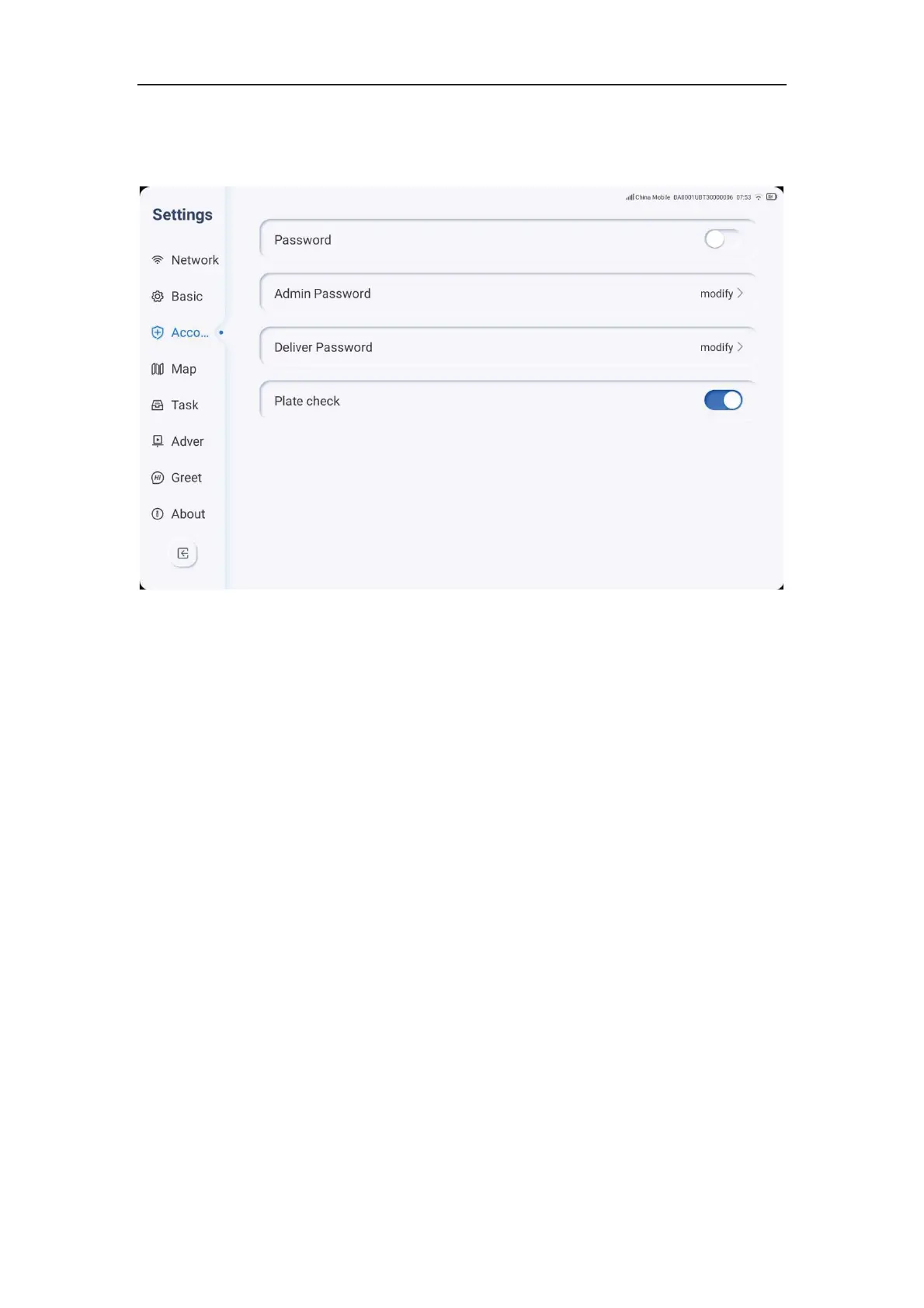
1. Click the settings icon, select Account, and perform security settings.
2. The machine has two role types: administrator and delivery person. Among them, the
administrator has the highest authority and can enter the setting interface to set the
overall configuration of the whole machine; the delivery person has general business
permissions and can set the machine to execute delivery tasks, etc.
3. Click on the password to modify it, and you can enter a new password for the
administrator's password and the delivery person's password.
4. Click on the toggle to turn on/off tray detection. When this function is turned on, if the
tray is detected as being taken, the robot will automatically enter the next delivery task
without requiring the user to click on the screen to confirm.



 To Next Page