UBTECH CADEBOT USER MANUAL
5. After completing a task, you can choose return setting options such as staying in place,
returning to the charging station, returning to the drop-off point, returning to the collection
point, or returning to the welcome point.
6. Set the minimum battery level for the robot to complete a task. If the battery level is
below the set value, the robot will automatically return to the charging station. At this point,
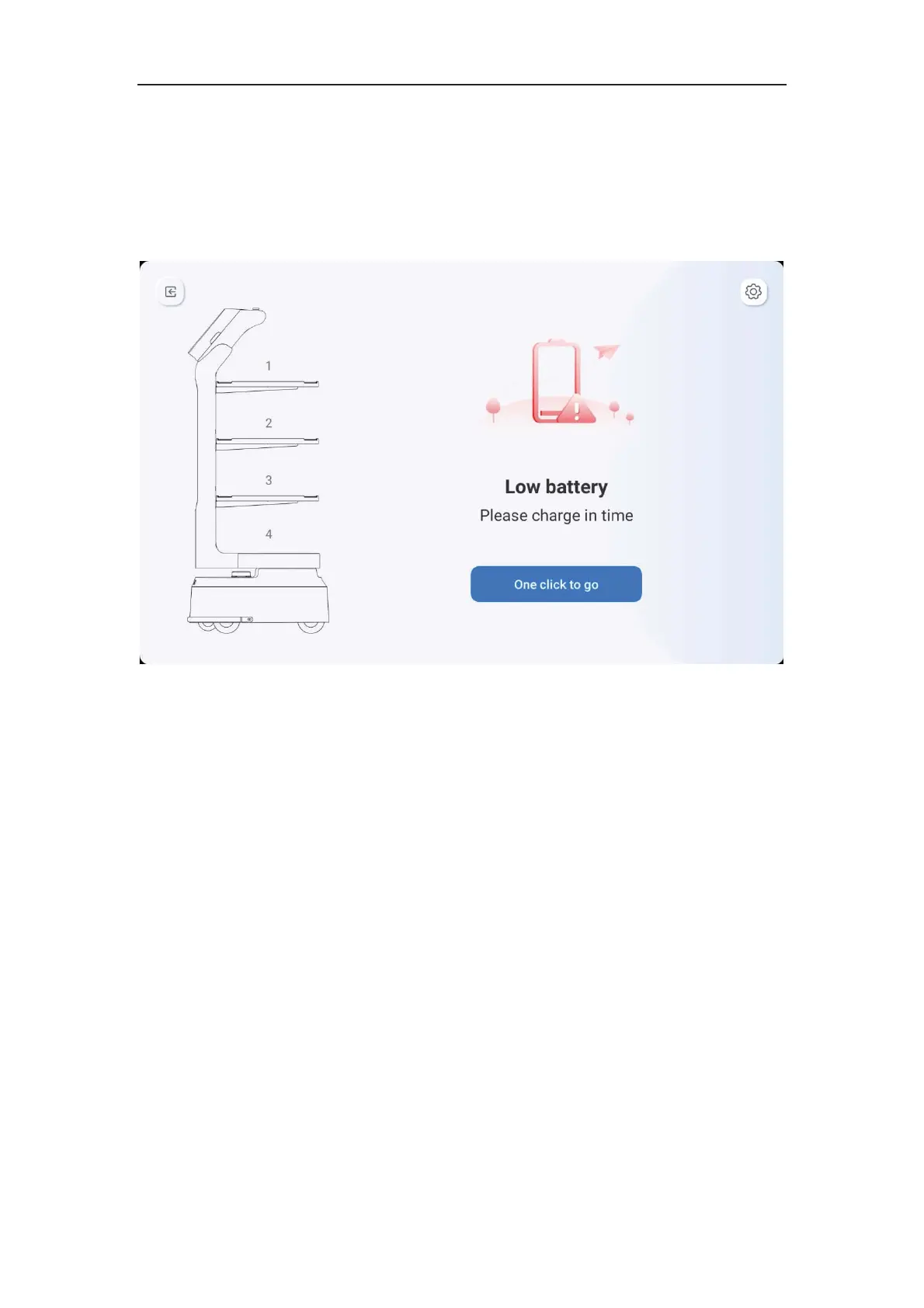
it cannot create a new task.
7. If the robot's battery level is below the minimum level for completing a task, it will
automatically alert you. Click on "One-Click Return" and it will automatically return to the
charging station.



 To Next Page