UBTECH CADEBOT USER MANUAL
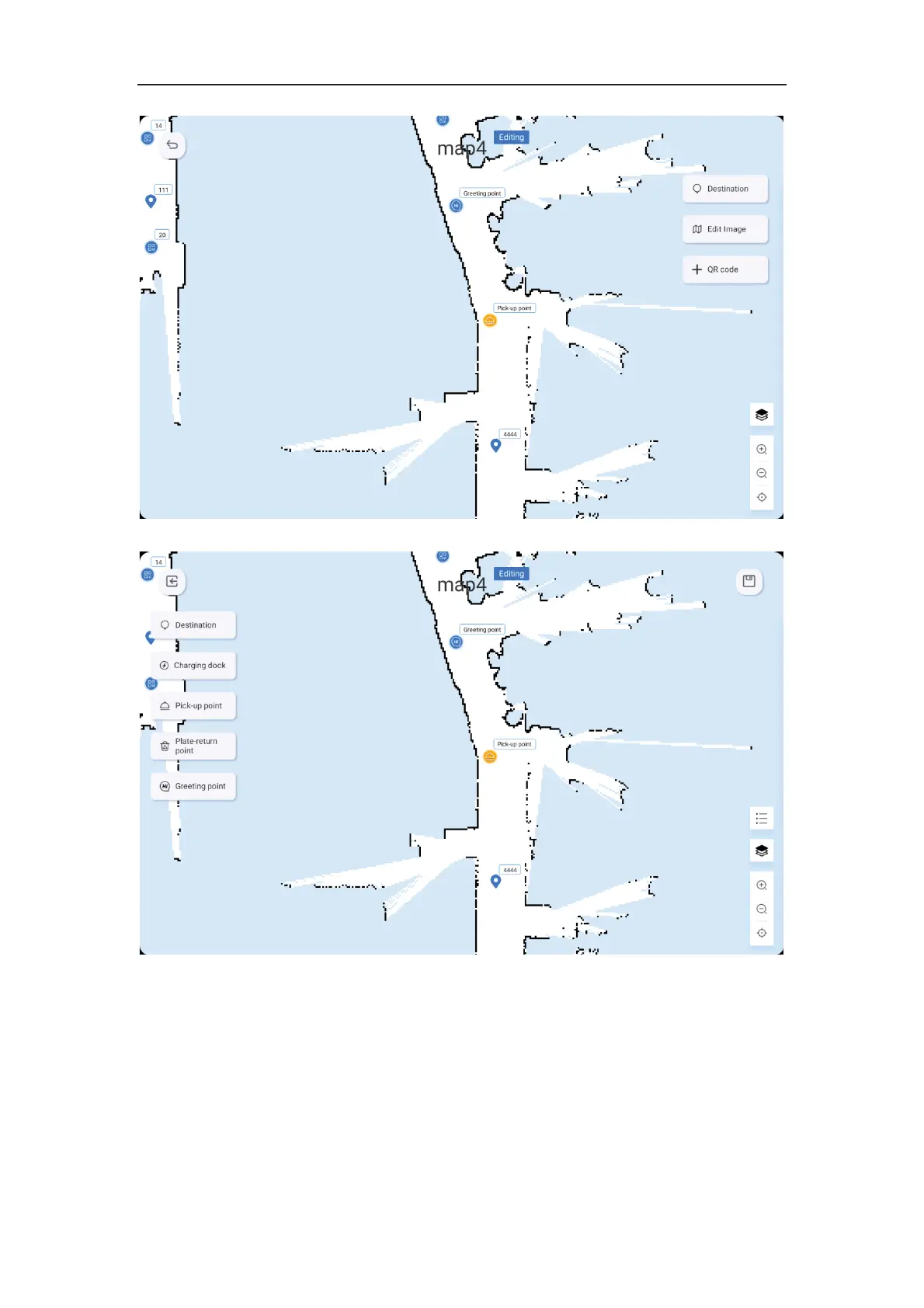
8. After entering a map, you can enter the preview interface to edit the map in detail.
9. Click on the destination point to enter the target point editing, where you can add new
points.
10.By clicking on the position list on the right side, users can group destinations, multiple
points can be selected to create a new group, and a new group name (e.g. A zone) can be
entered. Clicking the cancel button cancels the group and the points remain unchanged.
Ungrouped points are automatically assigned to the default group.



 To Next Page