UBTECH CADEBOT USER MANUAL
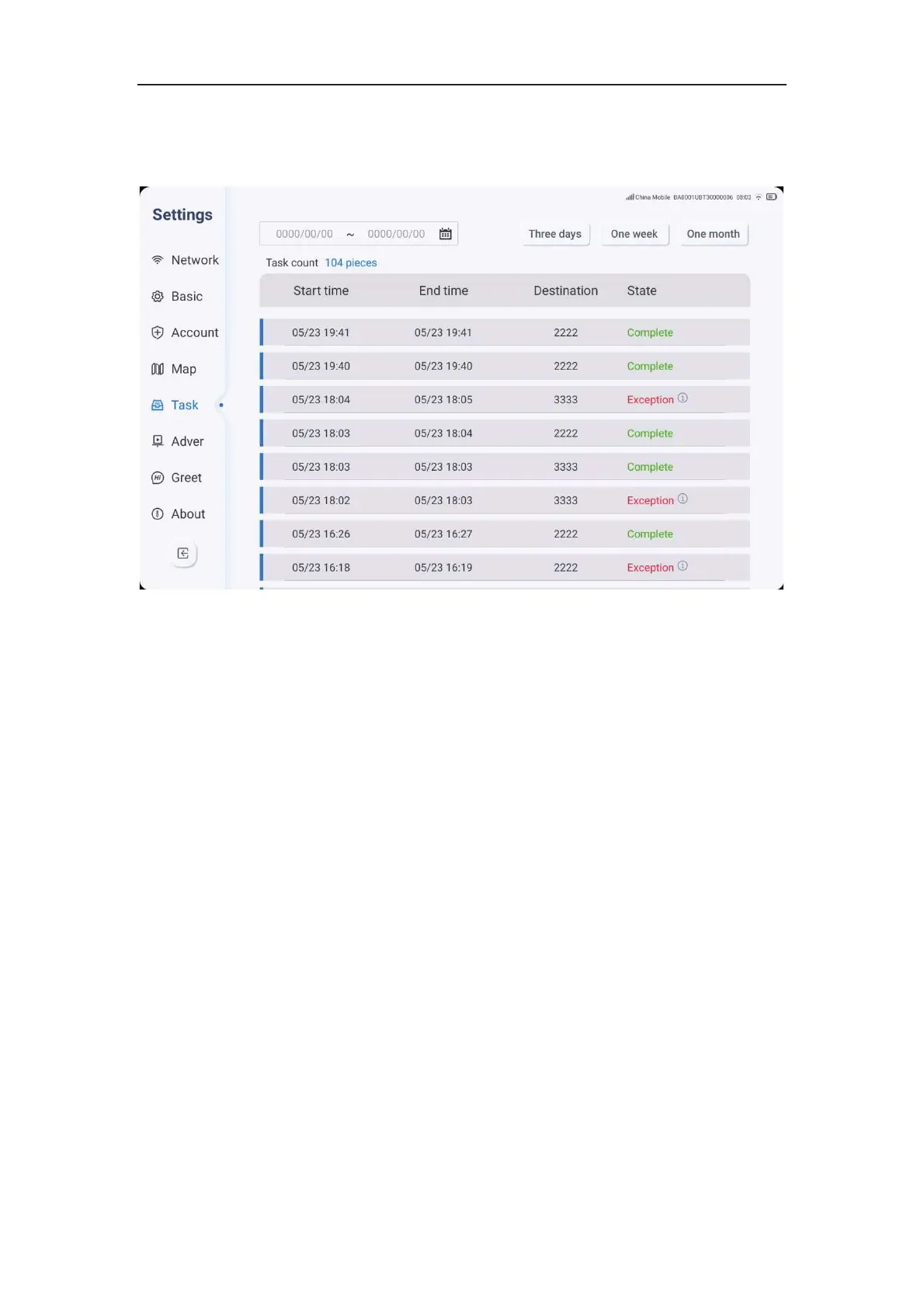
Task Record
1. Click on the settings icon, select Tasks, and view the task list.
2. You can choose the desired time span or click on the most recent three
days/week/month to view your task history. The task history includes the start time, end
time, destination, and task status.
Advertising Settings
Advertising settings provide functions for adding, replacing and customizing advertising
plans. The following are the steps for adding a new advertisingplan:



 To Next Page