6 INTRODUCTION
Uconnect 4C/4C NAV
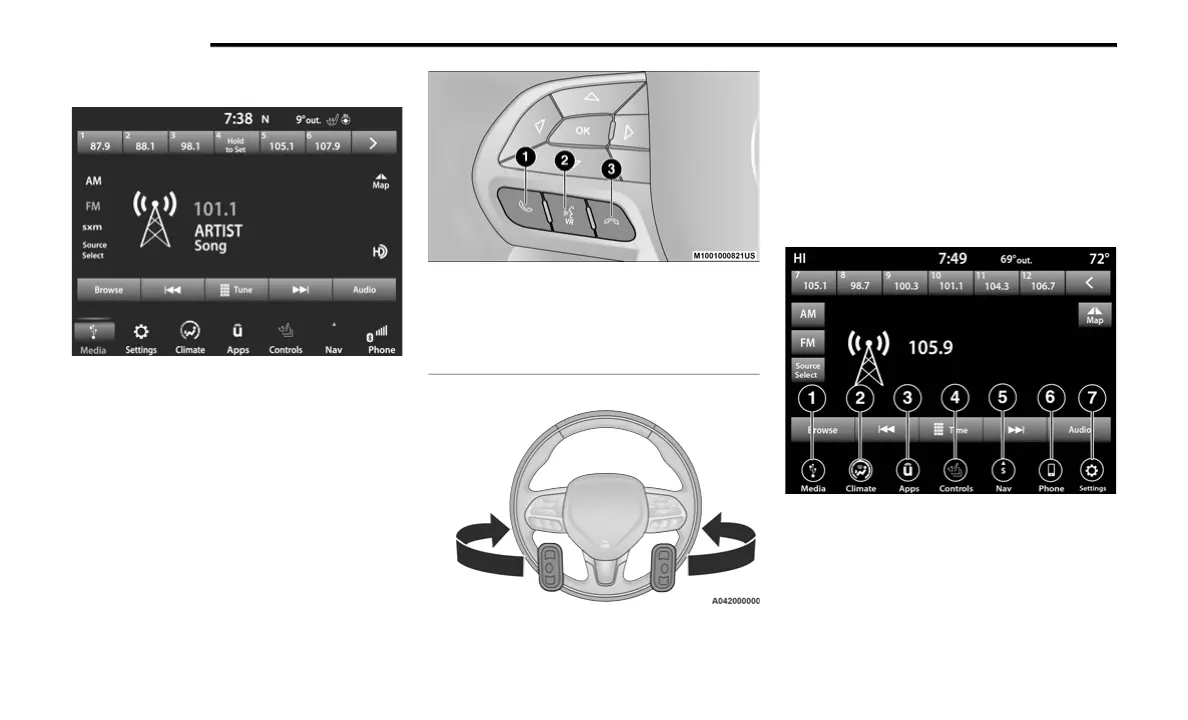
The Uconnect Voice Command And Uconnect
Phone Buttons On Your Steering Wheel
The buttons let you use your voice to give
commands, make phone calls hands-free, enter
navigation (if equipped) destinations, and
control your radio and media devices.
NOTE:
Interior trims may vary.
UCONNECT 4/4C/4C NAV WITH 8.4-INCH
DISPLAY
NOTE:
Uconnect screen images are for illustration
purposes only and may not reflect exact soft-
ware for your vehicle.
1 — Push To Initiate Or To Answer A Phone Call,
Send Or Receive A Text
2 — Push To Begin Radio, Media, Apps, Climate,
And Navigation (If Equipped) Functions.
3 — Push To End Call
20_00_U4C8_EN_USC_t.book Page 6



 To Next Page