80 UCONNECT + SIRIUSXM GUARDIAN™ — IF EQUIPPED (4C/4C NAV ONLY)
GETTING STARTED WITH SIRIUSXM
GUARDIAN™
Activation
To unlock the full potential of SiriusXM
Guardian™ in your vehicle, you must activate
your SiriusXM Guardian™ services.
1. Press the Apps icon on the bottom of your
in-vehicle touchscreen.
2. Select the Activate Services icon from your
list of apps.
3. Select “Customer Care” to speak with a
SiriusXM Guardian™ Customer Care agent
who will activate services in your vehicle, or
select “Enter Email” to activate on the web.
For further information, please visit:
US residents visit: www.driveuconnect.com/
sirius-xm-guardian
Canadian residents visit: www.siriusxm.ca/
guardian-v1/
Download The Uconnect App
Once you have activated your services, you’re
only a few steps away from using remote
commands.
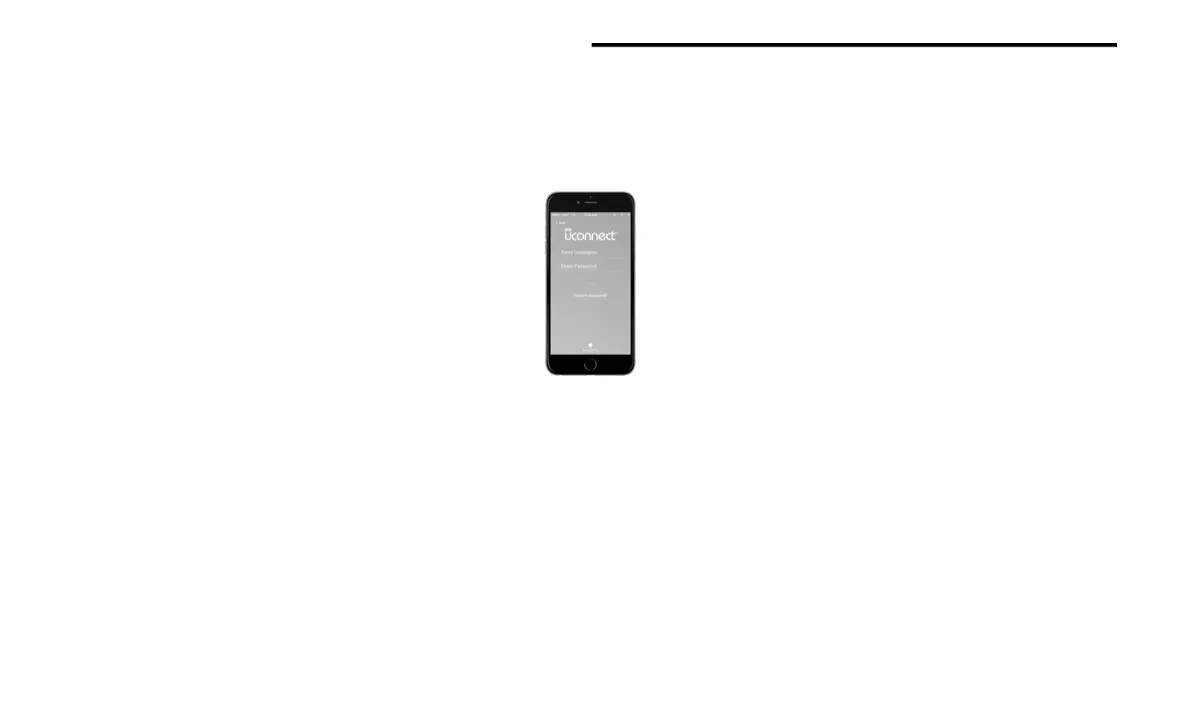
To use the Uconnect app:
Once you have activated your SiriusXM
Guardian™ services, download the Uconnect
app to your mobile device. Use your Owner
Account login and password to open the app.
Once on the “Remote” screen, you can begin
using Remote Door Lock/Unlock, Remote
Vehicle Start, and activate your horn and
lights remotely, if equipped.
Press the Location button on the bottom
menu bar of the app to bring up a map to
locate your vehicle or send a location to your
Uconnect Navigation, if equipped.
Press the “Settings” side menu in the upper
left corner of the app to bring up app settings
and access the Assist Call Centers.
NOTE:
For further information:
US residents visit: www.driveuconnect.com/
sirius-xm-guardian
Canadian residents visit: www.siriusxm.ca/
guardian-v1/
Using Your Owner’s Site
Your Owner’s Site website www.mopar.com/
en-us/care/owners-manual.html (US
Residents), or www.mopar.ca (Canadian
Residents) provides you with all the information
you need, all in one place. You can track your
service history, find recommended accessories
for your vehicle, watch videos about your
vehicle's features, and easily access your user
guides and manuals. It is also where you can
manage your SiriusXM Guardian™ account.
20_00_U4C8_EN_USC_t.book Page 80



 To Next Page