Altitude Hold Mode
Altitude hold mode indicates that the drone maintains a consistent altitude while
allowing roll, pitch, and yaw to be controlled normally. This mode makes controlling
the drone much easier for beginners and makes the drone more stable for aerial
photography.
Note: The Altitude Holding Mode cannot be used if the
blades are deformed or damaged.
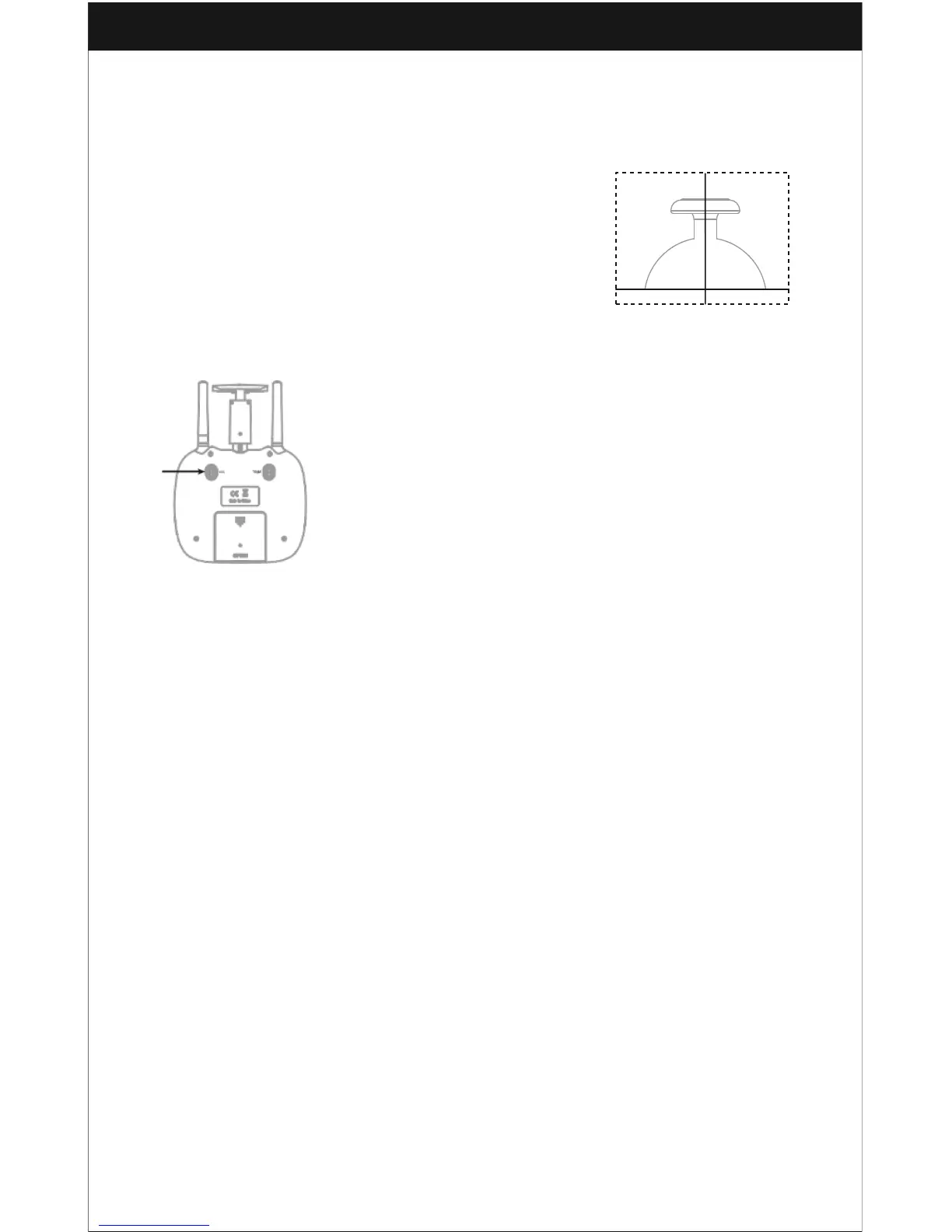
High/Medium/Low Speed Mode Switch
Press down this button to change speed modes. One
beep indicates that the drone is in Low Speed Mode “L”, two beeps indicates
Medium Speed “M”, and three beeps indicates high speed mode “H”.
Low Speed Mode(Mode 1)
1. This mode is suitable for first-time fliers and beginners.
Medium speed Mode(Mode 2)
2. This mode is suitable for skillful pilots to play in the gentle
breeze.
High Speed Mode(Mode 3)
3. This mode is for experts to experience aerial stunts in an
outdoor setting.
Heading Hold Mode
Drones generally have a front and rear that is indicated by LED lights or colored
propellers. By default, the users are required to tell the front and the rear of the drone
apart from each other when flying. In Heading Hold Mode, the users can operate the
drone without worrying about the orientation of the drone. Left is left and right is right
all the time, regardless of what your drone is facing. Heading Hold Mode is designed
for beginners and users who are flying in daylight, from a far distance, or who are
having trouble identifying the drone orientation.
Heading Hold Mode is NOT the default setting.
You can activate this function before taking off or while already in flight. When flying
with Heading Hold Mode, ensure that the front of the drone is always facing away
from you. DO NOT change the direction of your transmitter.
WARNING: DO NOT USE HEADING HOLD MODE BEFORE YOU ARE SURE
THAT THE DRONE'S FRONT IS YOUR FRONT. OTHERWISE, IT MIGHT GO OUT
OF CONTROL OR FLY AWAY.



 To Next Page