EasyManua.ls Logo

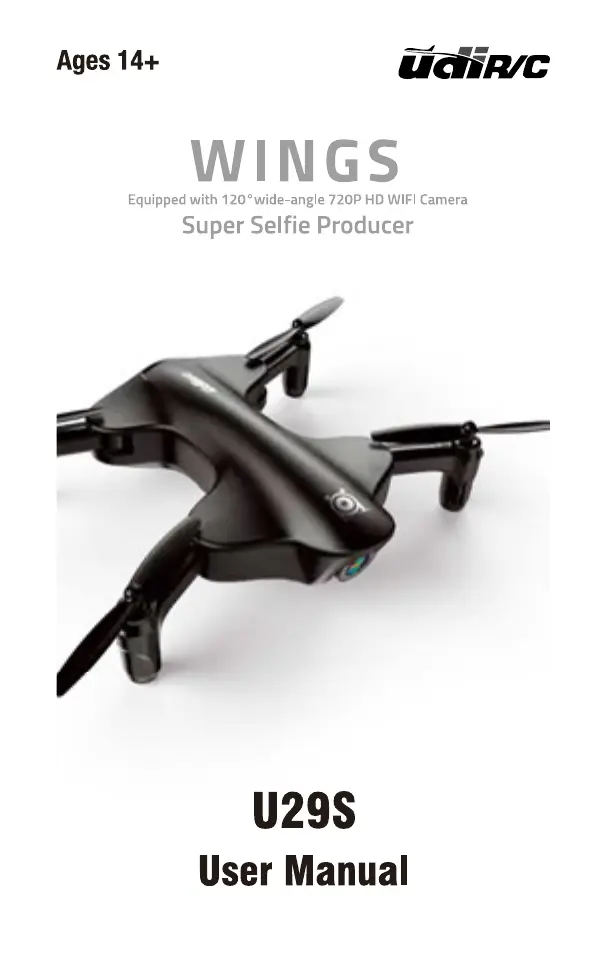
udir/c Wings U29S - User Manual

Default Icon
28 pages
Print Icon
To Next Page IconTo Next Page
Loading...

Questions and Answers

Summary

Drone Overview and Specifications

Drone Components Diagram

Labeled diagram illustrating the main parts of the drone.

Technical Specifications

Key performance metrics and dimensions of the drone.

Exploded View and Parts List

Component Identification

Detailed list and names of all drone parts.

Unfolding and Controller Setup

Drone Unfolding Instructions

Steps to properly unfold the drone's arms.

Controller Overview

Layout and identification of controller features.

Controller Operation and Power

Controller Button Functions

Explanation of each button's function on the remote controller.

Controller Battery Installation

Guide on how to insert batteries into the controller.

Device Integration and Charging

Phone Mounting Instructions

Steps to attach a smartphone to the controller.

Drone Battery Charging Procedure

Instructions for charging the drone battery with visual indicators.

Propeller and Motor Maintenance

Propeller Installation and Removal

Detailed steps for attaching and detaching drone propellers.

Motor Replacement Guide

Procedure for replacing the drone's motors.

Pre-Flight Preparations

Battery Installation and Removal

How to correctly install and remove the drone's battery.

Pre-Flight Safety Checklist

Essential checks to ensure safe and successful drone operation.

Flight Initiation

Frequency Pairing Procedure

Steps to establish a connection between the drone and controller.

Drone Calibration and Basic Maneuvers

Drone Calibration Process

Steps to calibrate the drone after pairing for optimal performance.

Take Off and Landing Instructions

Procedures for safely lifting off and landing the drone.

Flight Control Operations

Stick Control Functions

Using the controller sticks for drone movement and orientation.

Trimmer Adjustments

Fine-tuning drone flight with trimmer controls.

Drone Flight Modes

One Button Take Off and Landing

Automated take off and landing features.

Altitude Hold Mode

Maintains a stable altitude during flight.

Positioning Hold Mode

Keeps the drone stationary in its position.

Flight Speed and Orientation Modes

Speed Mode Selection

Switching between Low, Medium, and High speed modes.

Heading Hold Mode

Simplifies control by fixing the drone's forward direction.

Drone Alerts and App Setup

Drone Warning Alarms

Understanding low battery, out of range, and motor stuck alerts.

Flyingsee App Installation

Guide to download and install the mobile application.

Connecting Drone and App

Device Pairing with Drone

Steps to connect your smartphone to the drone via Wi-Fi.

Flyingsee App Navigation

Real-time Transmission Interface

Accessing live camera feed and remote control interface.

APP Icon Guide

Explanation of icons within the Flyingsee application.

Flight Route Setting Mode

Programming custom flight paths for the drone.

Advanced App Features

Emergency Stop Functionality

How to immediately halt the drone's motors in emergencies.

Remote Control Mode Selection

Choosing between standard and gravity induction control.

Media Capture and Flight Information

Photo and Video Recording

Instructions for taking photos and recording videos.

Accessing Captured Media

Viewing and managing photos and videos from the drone.

Flight Speed and Altitude Display

Understanding speed settings and real-time altitude.

Battery Monitoring and App Calibration

Drone Battery Level Indicator

Monitoring the drone's remaining battery power.

App-Based Drone Calibration

Steps to calibrate the drone using the mobile app.

App-Controlled Flight Maneuvers

App Flight Control Inputs

Detailed guide on controlling drone movements via the app interface.

Wi-Fi Control and Connection Notes

Important information for Wi-Fi connectivity and control switching.

Managing Drone Media

Displaying Photos and Videos

How to view captured media files on the app.

Taking Photos and Recording Video

Instructions for using the TF card to store media.

Spare Parts Identification

Catalog of Drone Spare Parts

Visual guide to available replacement parts for the drone.

Important Product Notices

Product Design and Specification Changes

Information on potential modifications to product design.

Troubleshooting Guide

Problem and Solution Table

Common issues and their corresponding solutions for the drone.

Regulatory Compliance

FCC Compliance Information

Details regarding FCC rules and device compliance requirements.

udir/c Wings U29S Specifications

General IconGeneral
Brandudir/c
ModelWings U29S
CategoryDrones
LanguageEnglish

Related product manuals