EasyManua.ls Logo

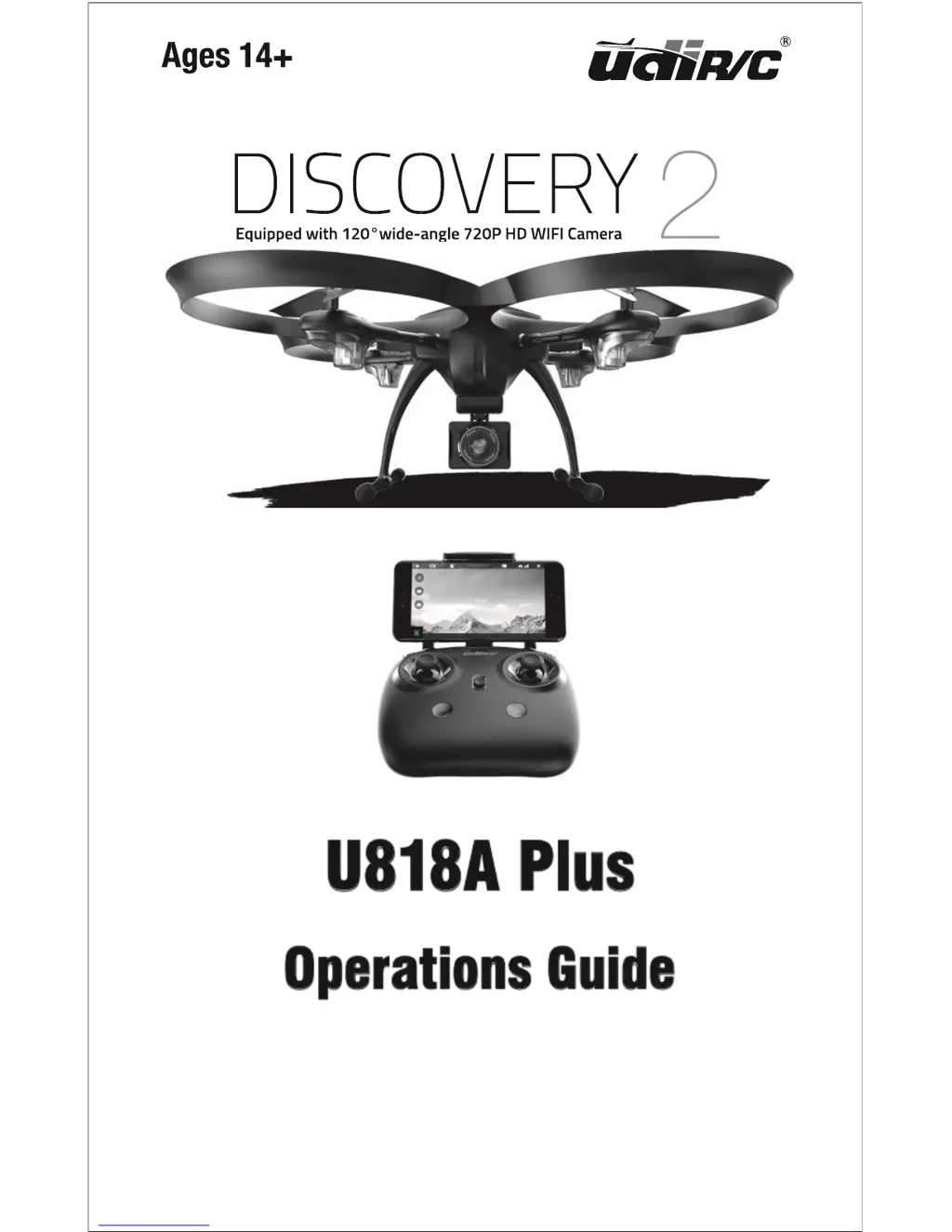
udir/c Discovery 2 U818A Plus - User Manual

udir/c Discovery 2 U818A Plus
28 pages
Print Icon
To Next Page IconTo Next Page
Loading...

Questions and Answers

  • S
    sarahsmithAug 13, 2025
    Why is my udir/c Drones underpowered or not flying?
    • J
      Joshua ScottAug 13, 2025
      If your udir/c Drones is underpowered or unable to fly, it could be due to several reasons. Check if the propeller is deformed and replace it if necessary. Another potential cause is a low battery, so ensure you recharge the drone's battery. Finally, verify that the propeller is installed correctly by consulting the user manual.
  • M
    Manuel OrrAug 16, 2025
    What to do if udir/c Drones fails to pair with the transmitter?
    • C
      Curtis FigueroaAug 16, 2025
      If you're experiencing a failure to pair your udir/c Drones with the transmitter, there are a few potential causes. Signal interference could be the issue, so try restarting both the drone and the transmitter. Also, improper operation could be the reason, so operate the drone step by step in accordance with the user manual.
  • S
    sanchezgregoryAug 20, 2025
    Why udir/c Drones cannot hover and tilts to one side?
    • M
      mcconnellcoreyAug 20, 2025
      If your udir/c Drones cannot hover and tilts to one side, it could be due to a few reasons. One possibility is that the propeller is deformed, in which case you should replace it. Another reason may be that the motor holder is deformed, so you should replace it. Also, the gyro may not have reset after a crash, so restart and recalibrate the drone. Finally, the motor may be damaged, so you should replace it.
  • P
    pbellAug 25, 2025
    What to do if the udir/c Drones indicator light is off?
    • D
      Dan WebbAug 25, 2025
      If the indicator light on your udir/c Drones is off, it could be due to a few reasons. The battery may be low, so try recharging it. Another possibility is that the battery is expired or has over discharge protection, so you may need to buy a new battery. Poor contact could also be the issue, so disconnect and reconnect the battery.
  • D
    David Evans Jr.Aug 28, 2025
    Why is the transmitter indicator light off on my udir/c Drones?
    • K
      Kim KrauseAug 28, 2025
      If the transmitter indicator light is off on your udir/c Drones, it could be due to a few reasons. The battery may be low, so replace it. Another possibility is that the battery’s positive and negative poles are in reverse order, so install the battery in accordance with the user manual. Also, poor contact could be the issue, so clean the dirt between the battery and the battery slice.
  • M
    Matthew ScottAug 31, 2025
    How to fix udir/c Drones when I can’t see the picture?
    • L
      Lee AdamsAug 31, 2025
      If you can’t see the picture from your udir/c Drones, it could be due to a few reasons. Poor contact could be the issue, so check the wire and make sure it’s properly connected. Another possibility is signal interference, so remove and reconnect the camera wire. The camera may also be damaged, so you may need to buy a new camera box.
  • A
    Amanda BarnesSep 4, 2025
    Why am I having difficulty with cell phone controls on udir/c Drones?
    • P
      perezbethSep 4, 2025
      If you're having difficulty with the cell phone controls on your udir/c Drones, it might be due to being an inexperienced user. Carefully re-read the instructions for using the app.
  • C
    Cynthia NorrisSep 8, 2025
    What causes a double image when using VR with udir/c Drones?
    • J
      Jane DavidsonSep 8, 2025
      If you're seeing a double image when using VR with your udir/c Drones, it is because the lens focal length is not correct. Move the lens to the proper position until the image is clear.

Summary

Safety Precautions

Further Safety Precautions

Drone Battery Safety Warnings

Drone Battery Charging

Pre-Flight Checklist

Transmitter Operation

Transmitter Button Functions

Explains the purpose and operation of each transmitter button.

Pre-flight Operation Steps

Drone and Transmitter Pairing

Steps to establish a connection between the transmitter and drone.

Flight Preparation Procedures

Pre-flight System Checklist

Essential checks before initiating flight.

Drone Calibration Process

Procedure to calibrate the drone's sensors for stable flight.

Drone Flight Control Inputs

Key Drone Functions Explained

Takeoff and Landing Methods

Explains manual and automatic takeoff/landing procedures.

Emergency Stop Functionality

How to immediately stop the drone in critical situations.

Drone Flight Mode Management

Drone Warning Systems

Battery and Range Alerts

Warnings for low battery and exceeding transmission range.

Propeller Stuck Protection

How the drone protects motors when propellers are obstructed.

Using the Flyingsee Mobile App

App Installation and Download

Guide to download, install, and initially set up the Flyingsee app.

Phone to Drone WiFi Pairing

Steps to connect the phone to the drone's WiFi network.

Flyingsee App Control Options

App Media and Flight Controls

In-App Drone Calibration

Steps to recalibrate the drone via the mobile app.

App-Based Drone Maneuvering

Drone Part Replacement Procedures

Troubleshooting Common Issues

Transmitter Indicator and Pairing Fixes

Solutions for transmitter light and pairing problems.

Drone Flight Stability Solutions

Fixes for underpowered flight, hovering, and tilting issues.

Camera and Control Problem Resolution

Solutions for camera picture issues and phone control difficulties.

udir/c Discovery 2 U818A Plus Specifications

General IconGeneral
BrandUDI RC
ModelDiscovery 2 U818A Plus
CategoryDrone
Control Range100 meters
Battery3.7V 1000mAh LiPo
Frequency2.4GHz
Camera720p HD
Charging Time120 minutes
FeaturesAltitude Hold, Headless Mode, One Key Return

Related product manuals