- Only use the recommended charger only.
Check the charger’s wire, plug, and surface regularly. Do not use a charger
that is damaged or broken.
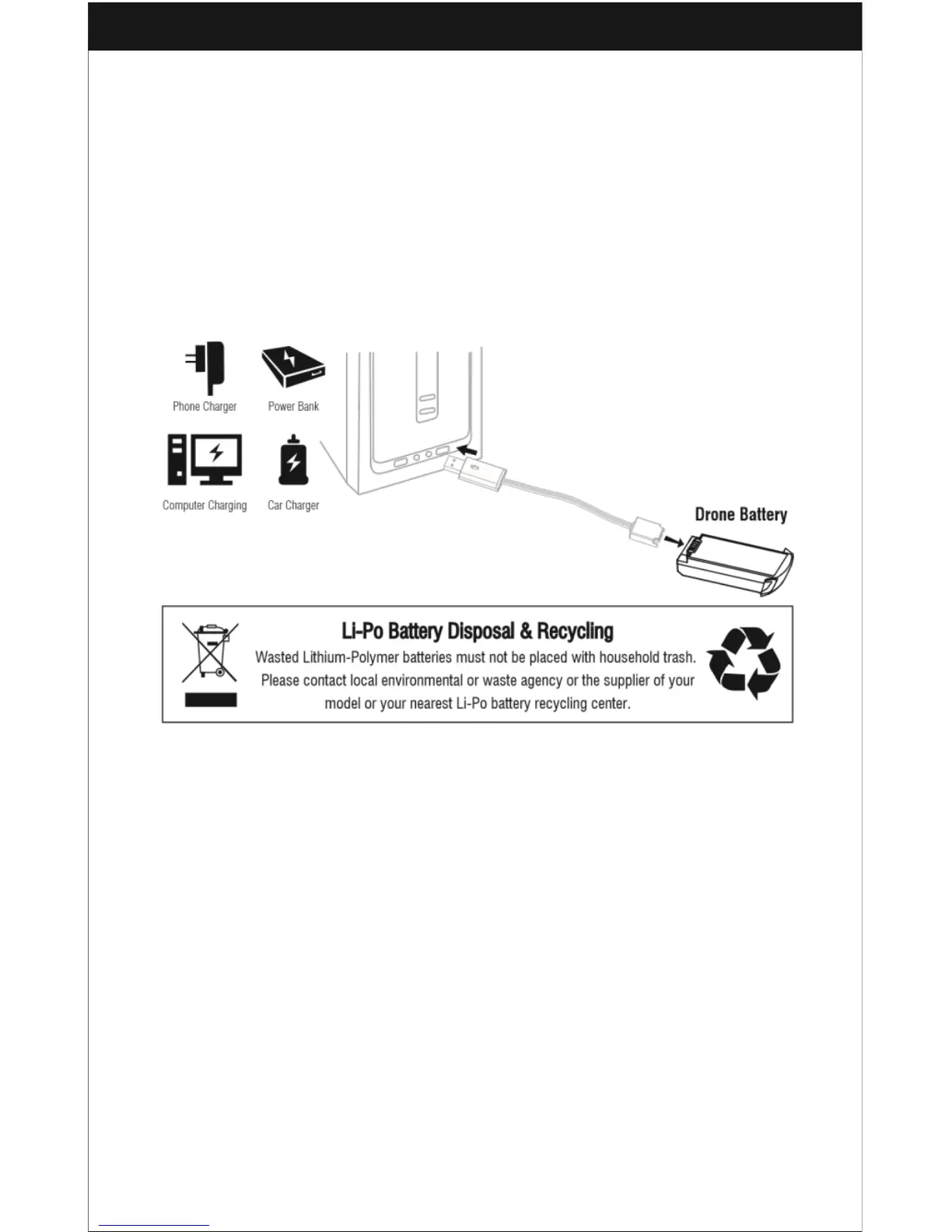
Charging Instructions for the Drone’s Battery
1. Connect the battery to the USB cable and choose one of the charging methods
below.
2. The red USB indicator light is red while charging and will turn green when fully
charged.
* For faster charging, it is recommended to use an adapter with 5V 2A output
current (not included) to charge the battery.
Pre-Flight Checklist
- Make sure the drone transmitter batteries are fully charged.
- Make sure the left stick of the transmitter is in the middle position.
- Turn the transmitter on before turning on the drone and turn the transmitter off after
turning off the drone.
- Make sure the connection between the battery and the motor is sold – the ongoing
vibration may create a bad connection with the power terminal and may cause the
drone to fly out of control.



 To Next Page