Spare Parts Installation Instruction
Landing Gear Installation
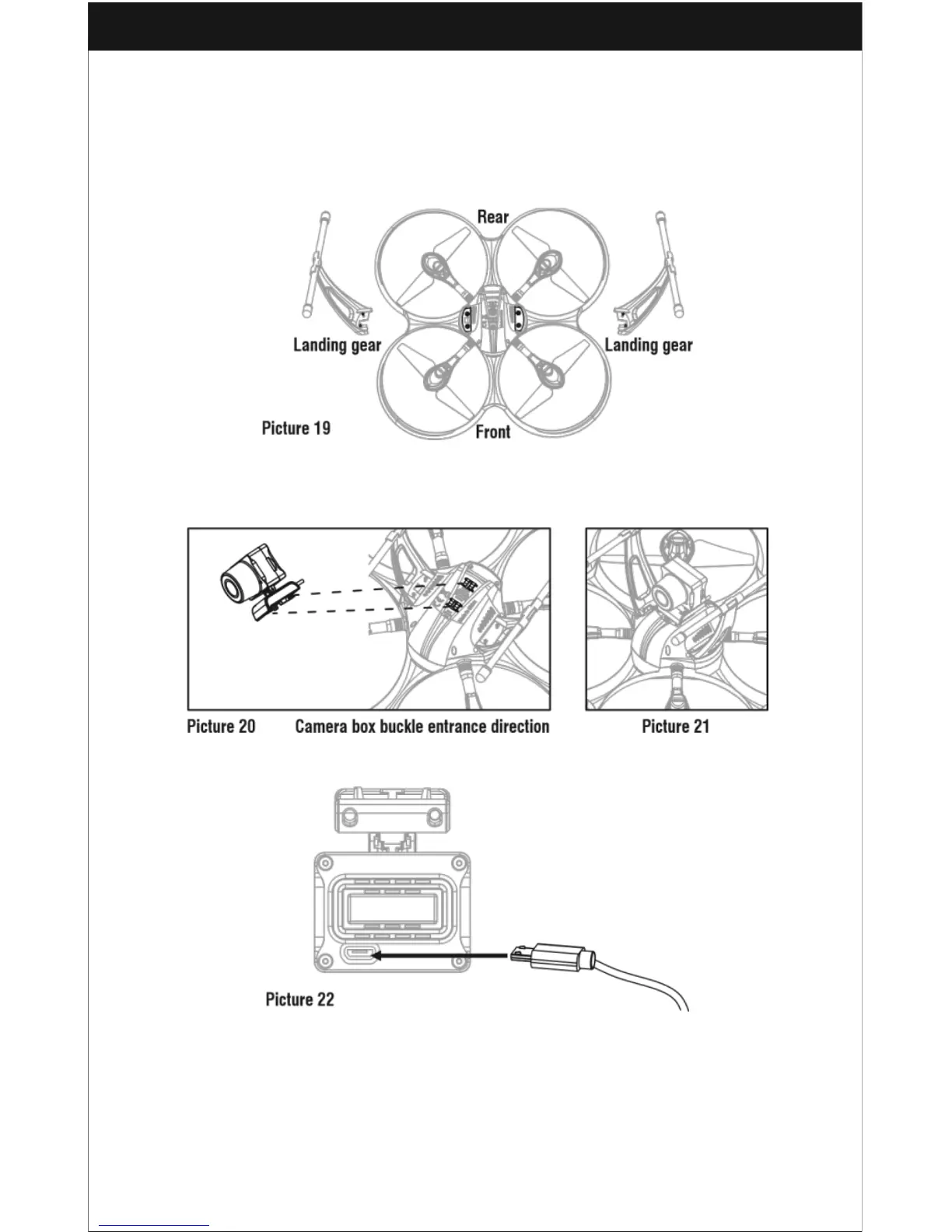
Install the left and right landing gear to the bottom housing position as shown in
Picture 19. Then, use the screwdriver to turn the screws clockwise.
Camera Box Installation
Insert the camera buckle into the underside of the drone as shown in Picture 20.
Then, fasten it as shown in Picture 21.
Camera Wire Connection
1. Plug the included Micro USB cable into the camera socket as shown in Picture 22.
2. Plug the cable into the bottom housing socket on the drone as shown in Picture
23.



 To Next Page