Propeller Replacement
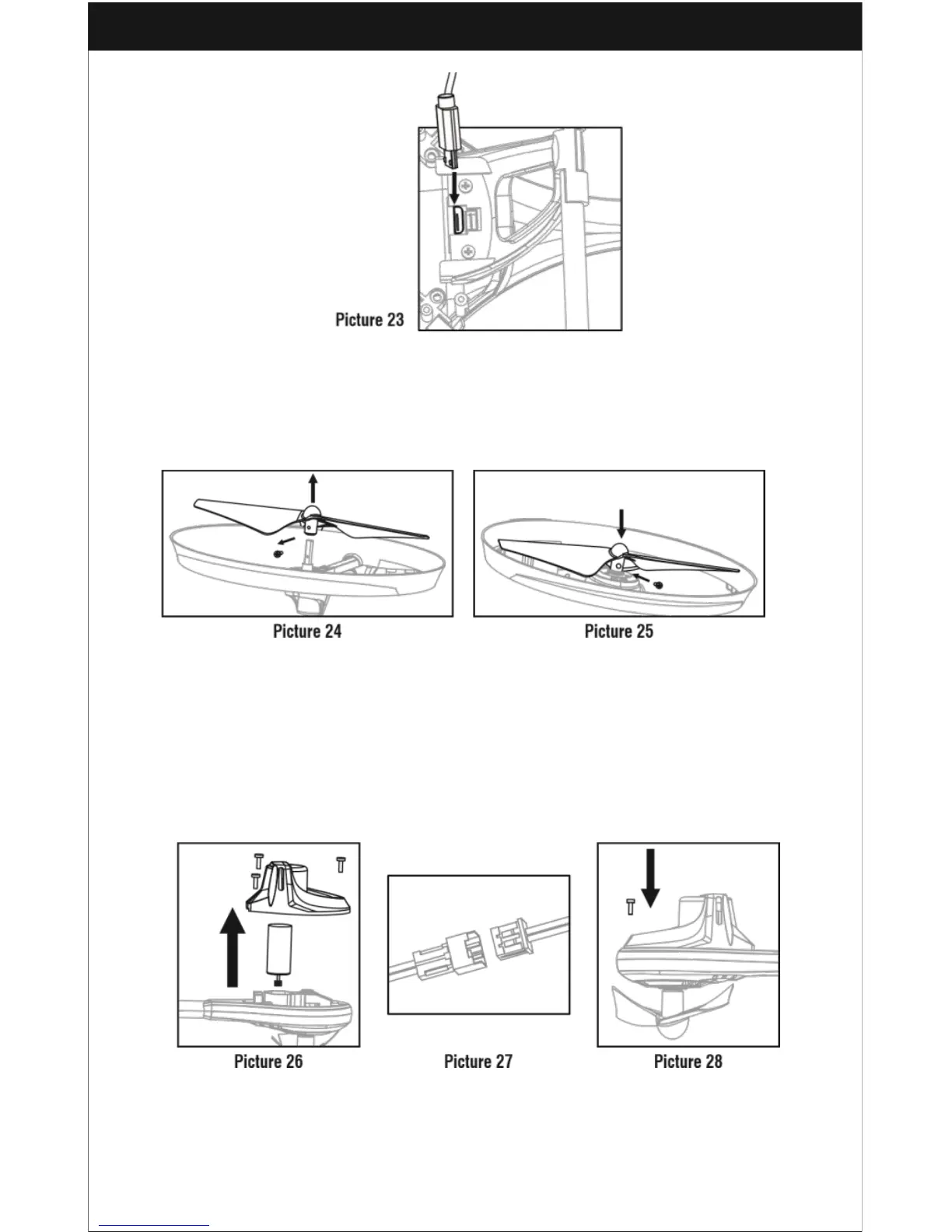
1. Turn the screw shown in Picture 24 counter clockwise to remove the damaged
propeller.
2. Put the new propeller into the housing and reattach the screw, now turning
clockwise, as shown in Picture 25.
Motor Installation
1. Rotate the screwdriver counter clockwise to remove the three PCS screws in the
lampshade.
2. Disconnect the wires and then take out the defective motor as shown in Picture
26.
3. Connect the connector in the new motor into the socket as shown in Picture 27.
4. Put the new motor into the lampshade, then reattach the 3 PCS screws, turning
them clockwise as shown in Picture 28.



 To Next Page