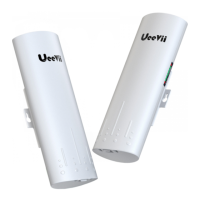
1. The WiFi function is turned on by default for the master bridge.
WiFi SSID: CPE5G-5GXXX
WiFi PWD: zllinkcpe123456XXX
XXX represents different channels, please refer to the comparison table in the
user manual.
2. You can access the wireless bridge through your computer to set the SSID and
new WiFi password. Please refer to the advanced settings section.
WiFi Function
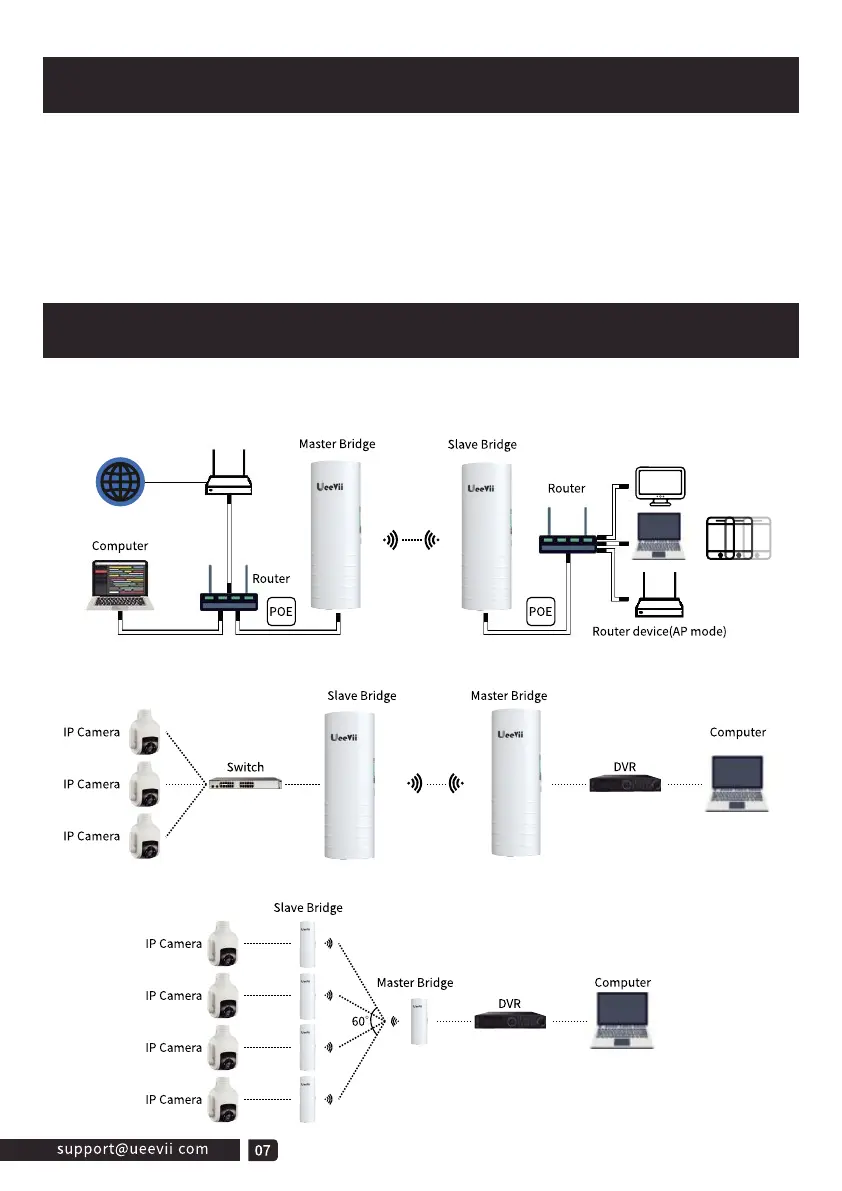
Application Case
Case 1: Point-to-point extended network WiFi range
suitable for extending the network to second buildings, such as garages,
shops, barns,etc.
Case 2: Point-to-point extended of surveillance cameras range
Case 3: Point-to-multiple point extended surveillance cameras range



 To Next Page