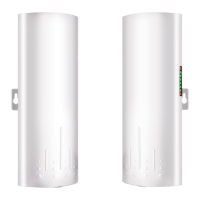
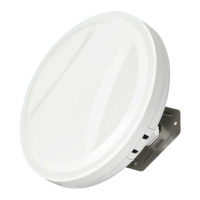
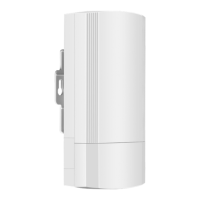
A. Point to Point Pairing Step:
1. Switch one unit to A (Master Bridge) and one unit to B(Slave Bridge);
2. Connect the POE to each unit using the Ethernet cable and plug the POE in;
3. Wait for them to power up, about 2 min;
4. Use the tiny reset button to click through until you get a channel with a letter. 1,2,3,...,
A,B,C,...,F, here used C;
5. Then on the other unit do the same. Both units need to be on the same channel;
6. Wait for 2-5 minutes to complete the pairing. When the number of the digital tube is
solid and the signal light on the side turns on, it means the pairing is successful;
7. Finally connect other devices (Router, PC, Switch) and install them to the target
location.
B. Point to Multipoint Pairing Step:
e.g. 1 master bridge with 3 slave bridges
1. Switch one unit to A (Master Bridge) and 3 units to B(Slave Bridge);
2. Connect the POE to each unit using the Ethernet cable and plug the POE in;
3. Wait for them to power up, about 2 min;
4. Use the tiny reset button to click through until you get a channel with a letter. 1,2,3,...,
A,B,C,...,F, here used C;
5. Then on the other 3 unit do the same. 4 units need to be on the same channel;
6. Wait for 2-5 minutes to complete the pairing. When the number of the digital tube
is solid and the signal light on the side turns on, it means their pairing is successful;
7. Finally connect other devices (Router, PC, Switch) and install them to the target
location.
Pairing Guide



 To Next Page