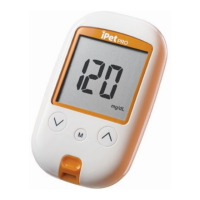
Coding iPet PRO Meter
Insert glucode chip to start the
procedure (Fig.10)
1.
is inserted (Fig.11).
2.
a flashing animal icon. Press
or
to select a desired animal type
(Fig.12).
3.
make sure the code exactly
matches the test strip vial label.
Then, press
to confirm and
(Fig.13).
4. Press
to turn off the meter.
iPet PRO meter provides
4 reminder alarms for each
animal type.
To change to a different animal type,
insert glucode chip and select a
desired animal type.
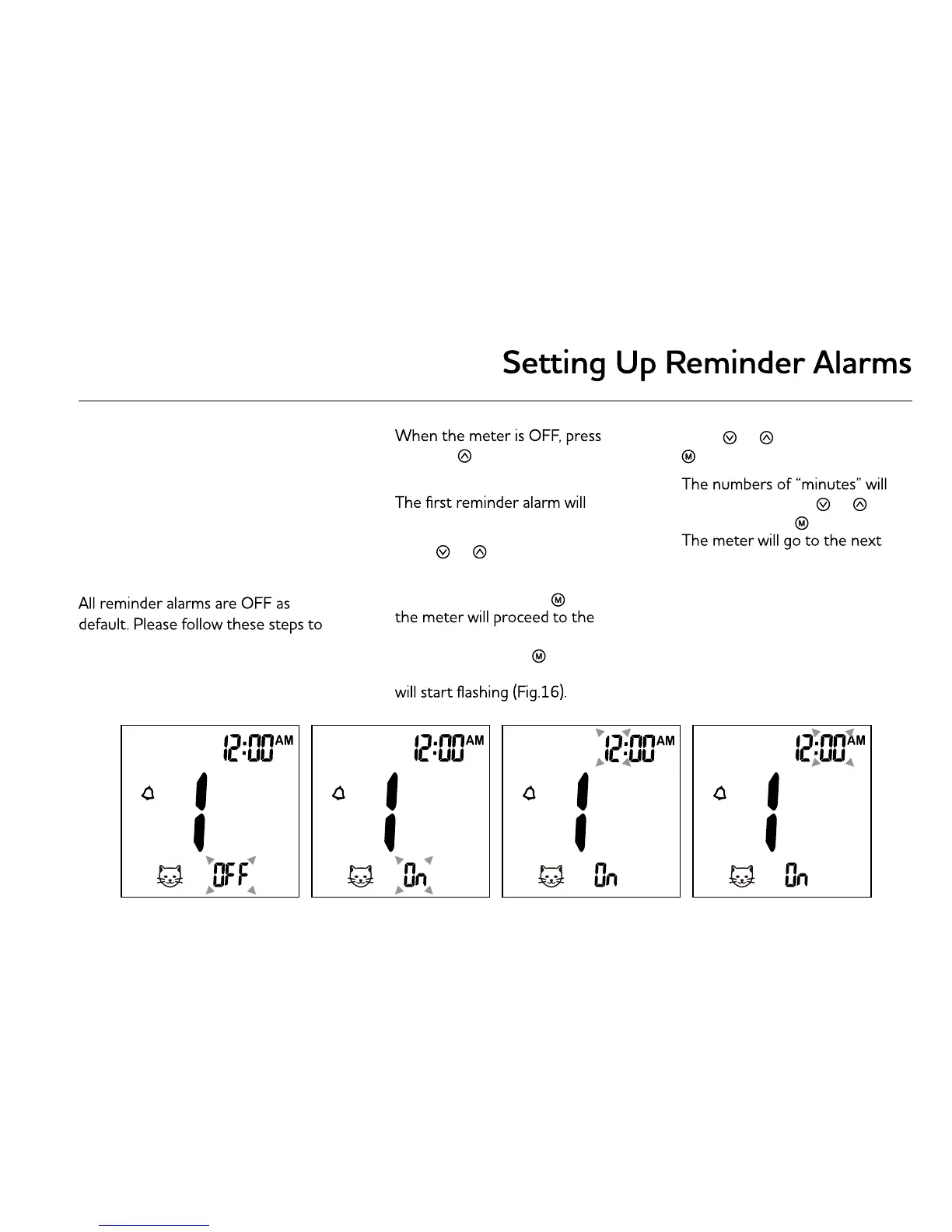
set up reminder alarms.
1.
and hold
button for 4 seconds
or longer to enter setting.
2.
appear on the display (Fig.14).
3. Press
or
to select
“ON” or “OFF”.
If “OFF” is chosen and
pressed,
next reminder alarm setting. If
“ON” is chosen and
pressed
(Fig.15), the number of “hour”
4. Press
or
to adjust and press
to confirm.
5.
flash (Fig.17). Press
or
to
adjust and press to confirm.
reminder alarm setting.
6. Repeat steps 3 to 5 to set the
rest of reminder alarms.


 To Next Page