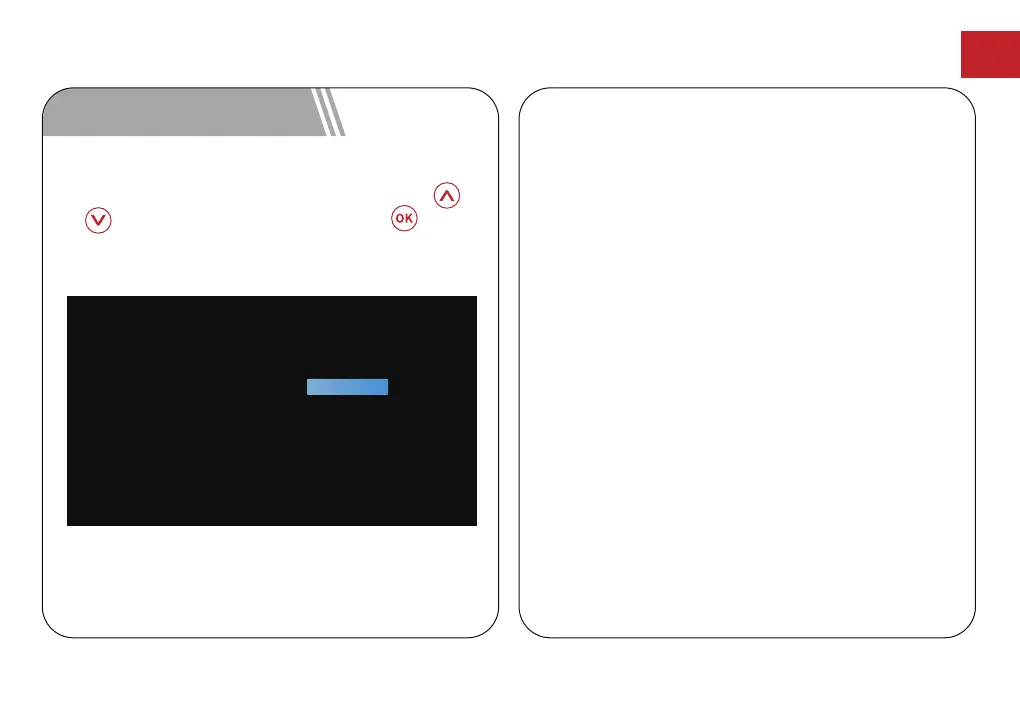
After pairing the remote control, you will be guided
to a page to select language, use remote control
or to select your language. Then press button
to enter the next page.
8 Select Your Language
Android TV Setting
Follow the setup wizard on Android TV, set up a
Wi-Fi connection, select the available Wi-Fi and
enter the password, sign in to a Google account,
and carry out other related procedures. When you
complete the Android TV setup wizard, the Android
TV home screen will appear. Now you can start
watching your favorite shows by downloading
streaming apps.
Notice: Due to the requirements of Android TV,
using the Android TV requires you to sign in to your
Google account. If you have not registered your
Google account, please complete the registration
before proceeding with use.
Welcome
English (United States)
Afrikaans
Català
Čeština
Dansk
Deutsch
EN
12



 To Next Page