13
Settings
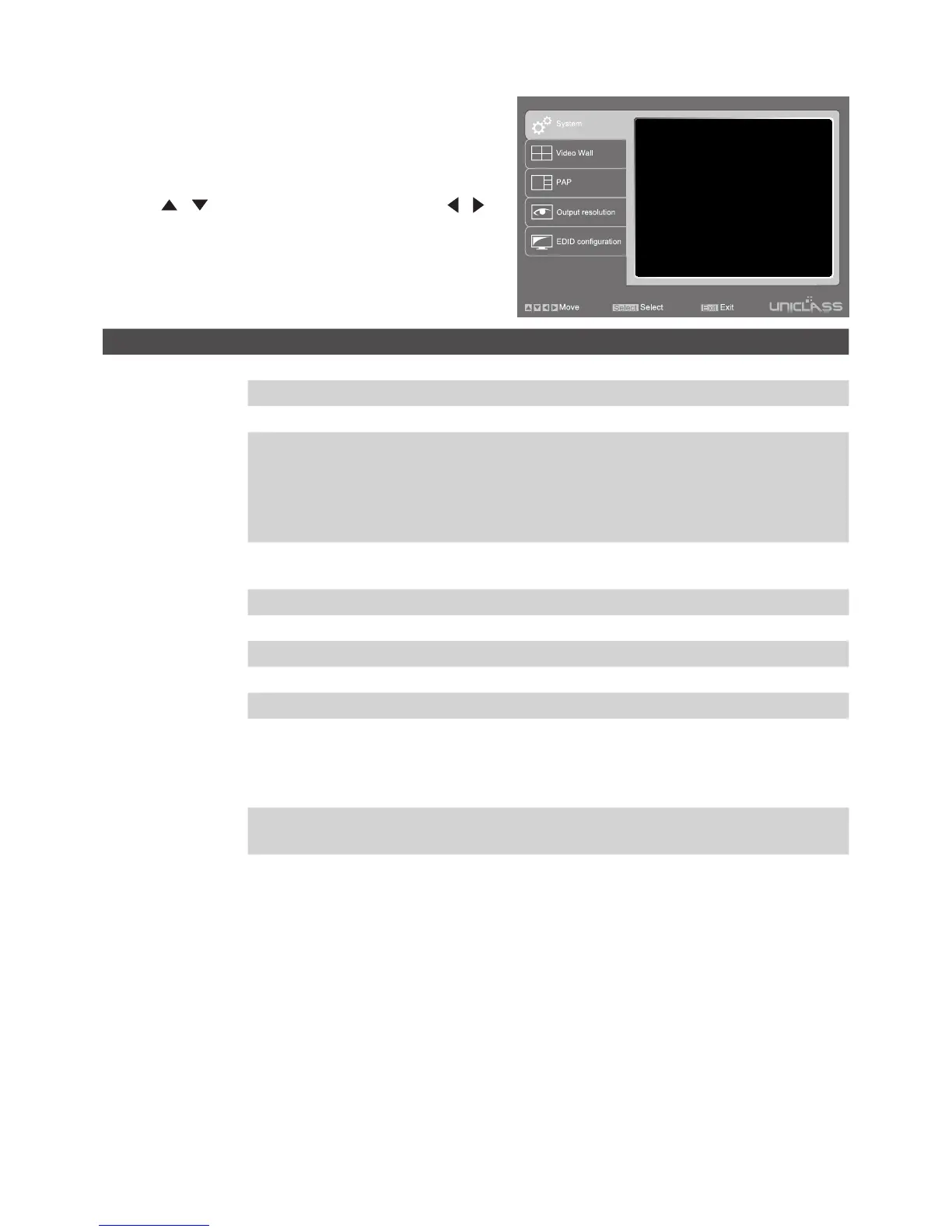
1. To bring up the setting menu, press Enter button on
the keyboard or MENU/SELECT button on the front
panel of unit or remote control.
2. Press / button to move the cursor, press /
to select the desired option, and then press MENU/
SELECT to confirm the selection.
OSD timeout
Title bar timeout
OSD output
Shrink control
Channel name
Load factory default
Firmware date
00
00
All
Full screen
140926
Sec
Sec
Item Options Description
System OSD timeout Setup the timeout of OSD.
Title bar timeout Setup the timeout of title bar.
OSD output Output OSD to all displays or display A only.
Shrink control Select Full screen to fill the entire screen. The screen may
be stretched.
Select Keep ratio to remain the original aspect ratios. The
black bars may appear on top-bottom or left-right sides of
screen.
Channel name Change the name of video source using uppercase,
lowercase or digits up to 16 characters.
Load factory default Restore to the factory default.
Firmware date Display the version of firmware.
Video Wall Layout Select a preferred video wall layout.
Bezel Adjust the compensation for bezel between panels.
PAP Layout Select a preferred PAP layout.
Output resolution Output A/B/C/D Specify a display and set the desired output resolution. By
default, the resolution of all displays will be set to the best
resolution of display A. Resolutions can be set individually
for each display only in Matrix mode.
EDID Configuration Select a preferred EDID of display for input source.


 To Next Page